Setup guide
How to put a PDF planner or notebook on your Supernote
On a Supernote you can use a PDF planner in two ways: as a note template from the MyStyle folder, or as a PDF document from the Document folder. Both keep the links working. This guide covers the Manta and the Nomad.
1. Pick the right file
| Your Supernote | Graphite layout | Sample file |
|---|---|---|
| Manta | Large 3:4 | Graphite-2027-FREE-SAMPLE_large.pdf |
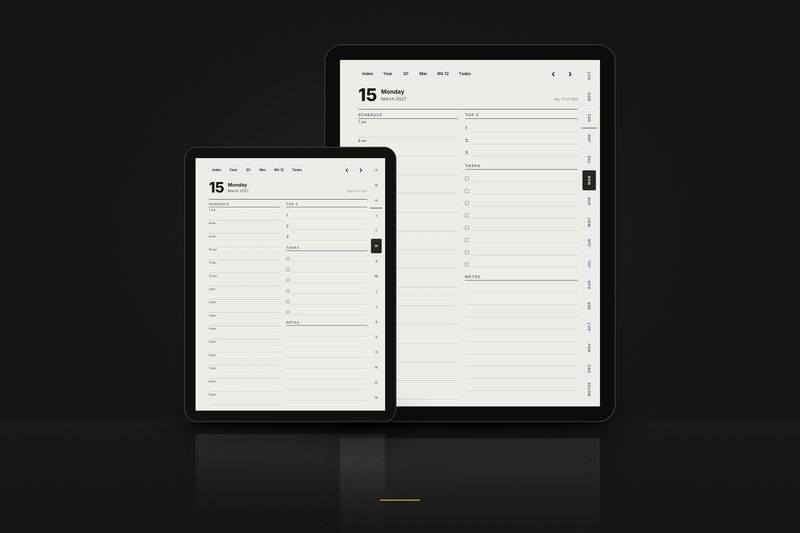
| Nomad | Compact 3:4, bigger text and wider rows for the 7.8" screen | Graphite-2027-FREE-SAMPLE_compact.pdf |
Both screens are 3:4, like both layouts. Then choose the edition and the hand:
| In the file name | Means |
|---|---|
_us_ | Weeks start on Sunday · 12-hour schedule, 9 am · dates like March 15, 2027 · US week numbers |
_intl_ | Weeks start on Monday · 24-hour schedule, 09:00 · dates like 15 March 2027 · ISO week numbers |
_intl12_ | Weeks start on Monday · 12-hour schedule, 9 am · dates like 15 March 2027 · ISO week numbers |
_right | Right-handed: tabs on the right edge, nothing to tap on the left side |
_left | Left-handed: everything mirrored, tabs on the left edge |
These editions are for the planner. Notebook files are named by paper and hand instead, for example dot_right or meeting_left.
2. Copy it to your tablet
Recommended: the MyStyle folder
- Copy the PDF into the MyStyle folder, by USB, with the Supernote Partner app or through Supernote Cloud.
- A Supernote Nomad owner reported that, on the current stable software, the PDF is then imported as a note template with working links and all the note features.
Alternative: the Document folder
- Copy the PDF into the Document folder instead.
- Open it from there as a PDF document.
3. Write and follow links
- Write with the pen on any page.
- Tap links with a finger.
- In the Document folder you can also tap links with the pen after selecting the text-selection tool on the toolbar. Supernote fixed pen taps on links in software 3.23.32, March 2025.
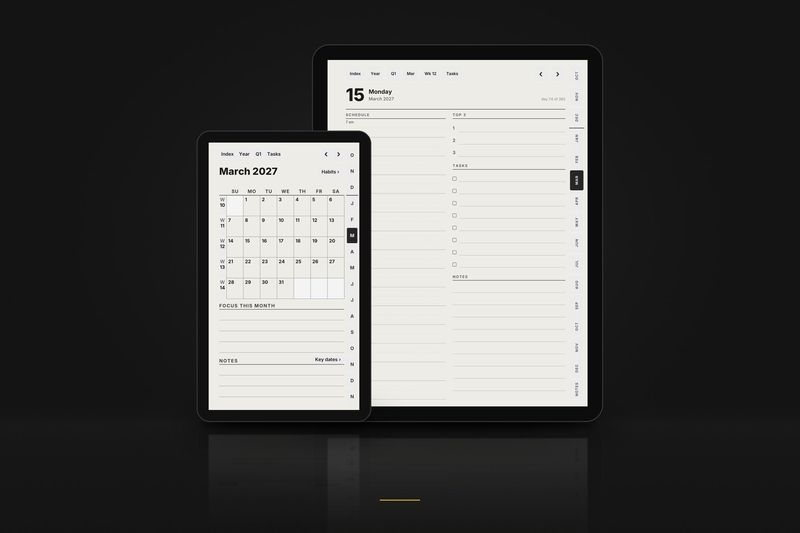
In the planner, the bar at the top takes you up a level: Index, Year, Quarter, Month, Week. The tabs on the side open each month, and ‹ › flip to the previous or next day, week or month.
Keep the original PDF on your computer as a clean backup. To start over, or to begin a fresh notebook, copy it again under a new name.
4. If something looks wrong
- A link does nothing, or my pen draws on the button.
- Tap with a finger. In the Document folder you can also tap with the pen after selecting the text-selection tool.
- There are white bars around the page.
- Check the layout: Large 3:4 for the Manta, Compact 3:4 for the Nomad. In the Supernote edition, Manta files are in the Manta zip and Nomad files in the Nomad zip.
- The tabs are under my hand, or under the toolbar.
- Switch between the
_rightand_leftversions. The side opposite the tabs never has anything to tap, so the toolbar can sit there. - I'd like Monday, or Sunday, as the first day of the week.
- Use another planner edition:
_intl_and_intl12_start on Monday, with a 24- or 12-hour clock;_us_starts on Sunday. - Can I print it?
- Yes, for your own personal use. Choose fit to page when printing.
Free samples
Planner, October 2026. All of October: the month, its habit tracker, every week and every day, with every link working. Files for the Large, Compact and Move layouts.
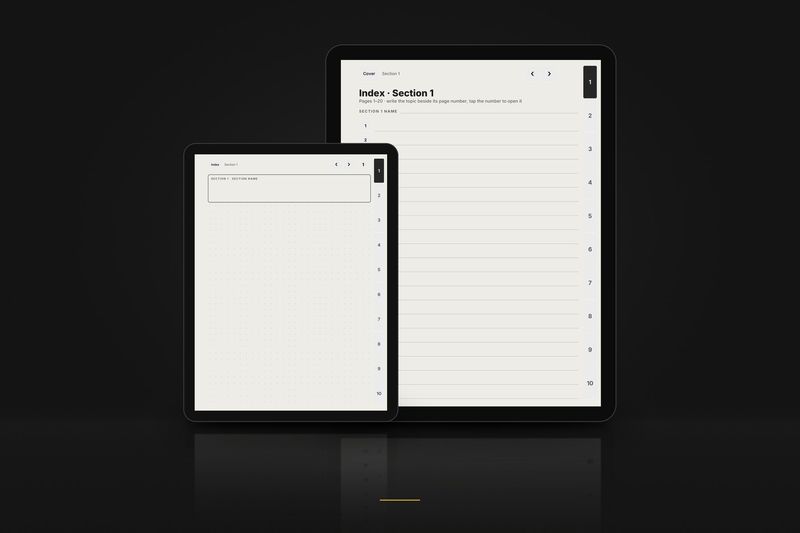
Notebook, 3 pages. The cover, the index of section 1 and page 1, in dot grid, right-handed. Files for the Large, Compact and Move layouts. Buttons that lead outside these 3 pages are printed but do nothing.
The full samples arrive by email. Tiny 3-page samples for each layout download directly from the free samples page, no email needed.
Guides for other tablets: