
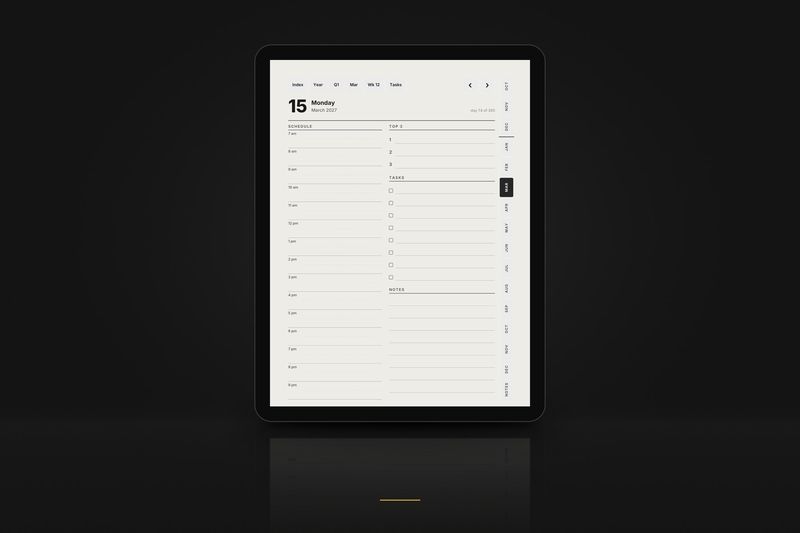
For your tablet
Kindle Scribe
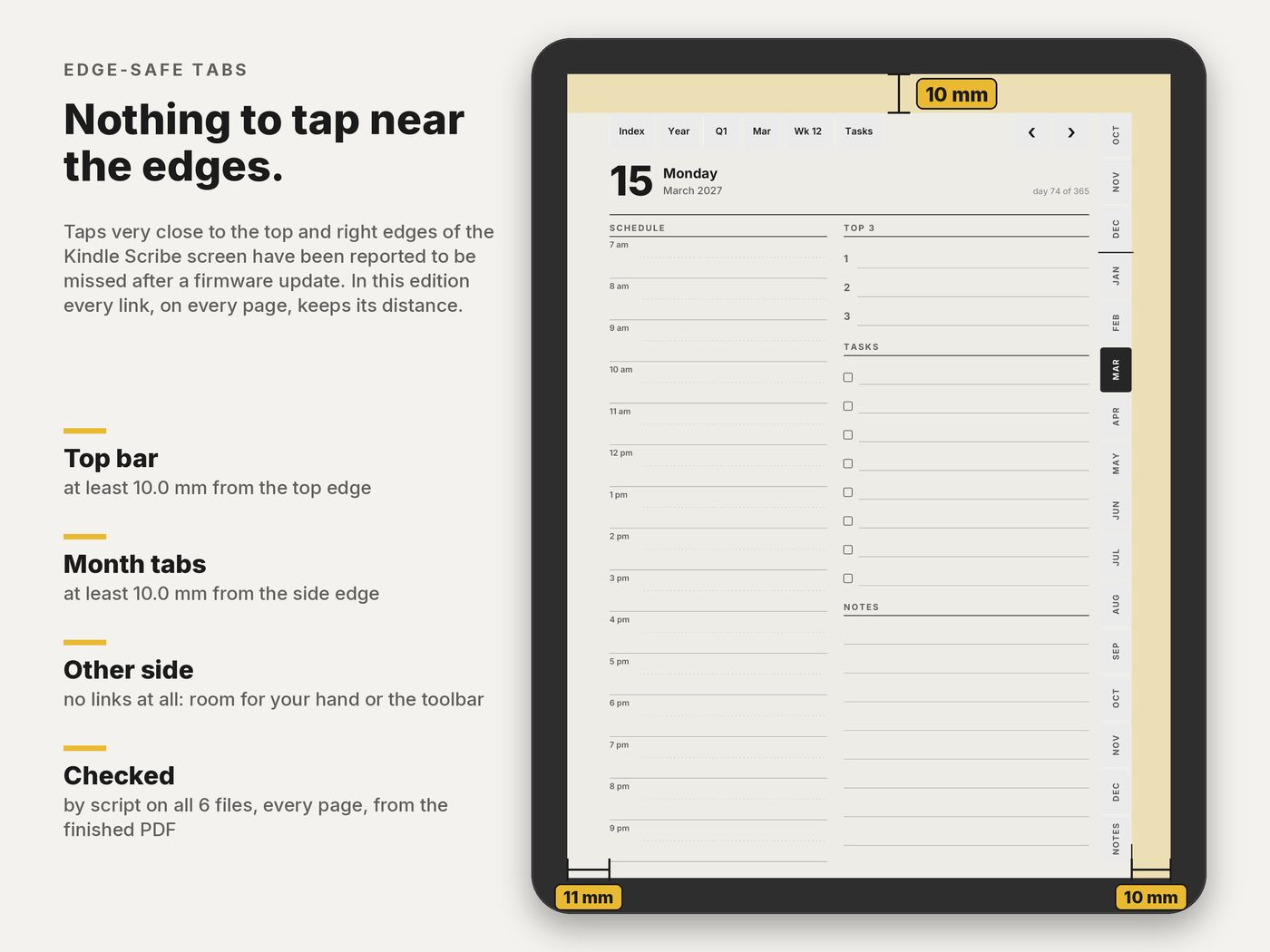
An edge-safe layout for every Kindle Scribe generation: every link stays at least 10 mm from the top and side edges, where taps are easiest to miss.
Buy now · $10.90Try a tiny sample
Charged in USD at checkout.Charged in USD at checkout ($10.90); your bank converts at its rate.
Kindle Scribe Planner 2027 · $10.90 · 6 PDFs: 3 editions × 2 hands
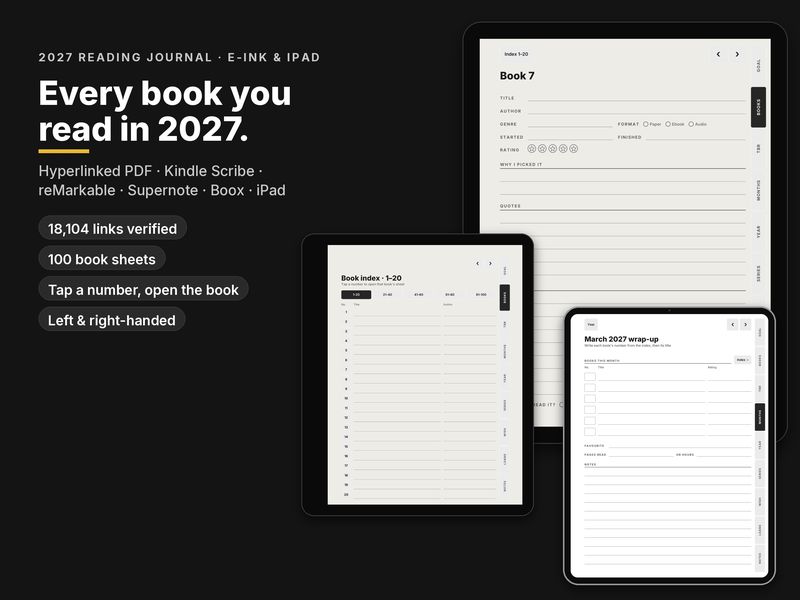
Keeping track of what you read? The Reading Journal 2027 has a book index linked to 100 book sheets, in a Kindle Scribe edition. See the reading journal
Products
Made for your Kindle Scribe
Every product below includes a layout drawn for this tablet.
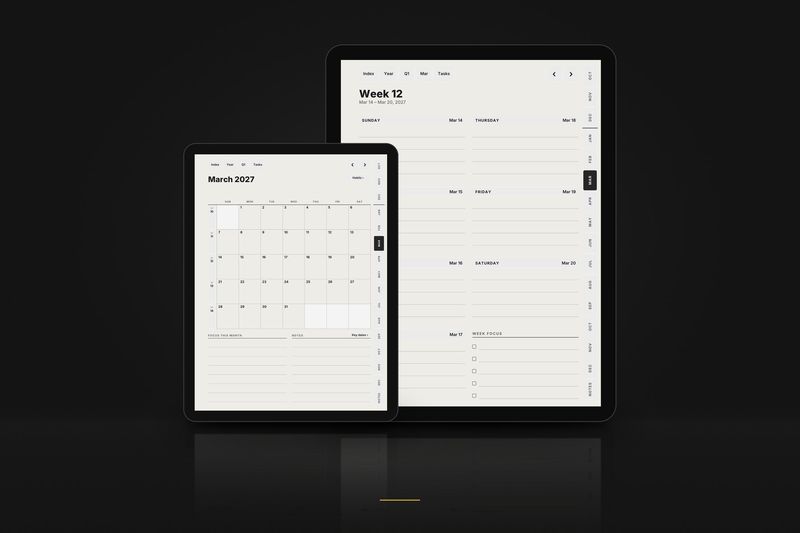
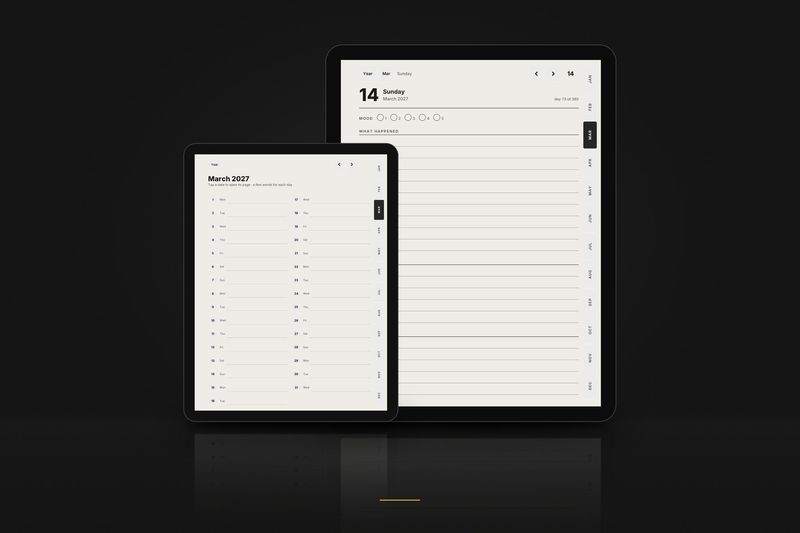
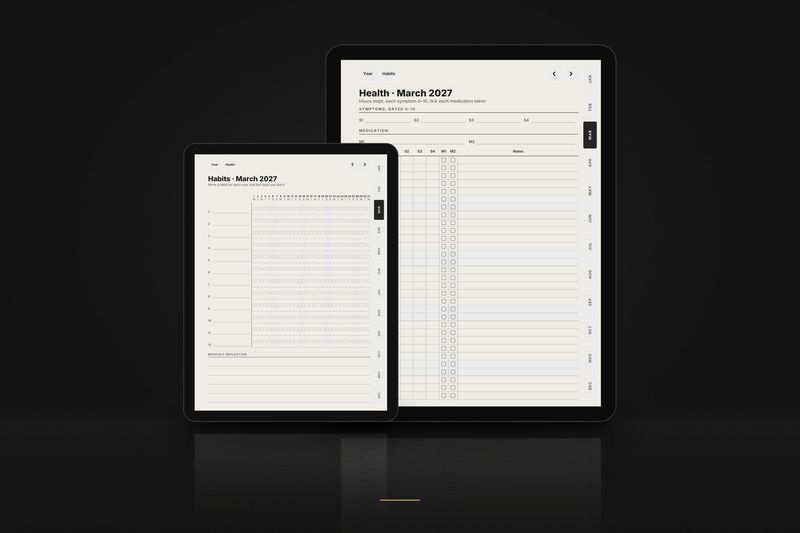
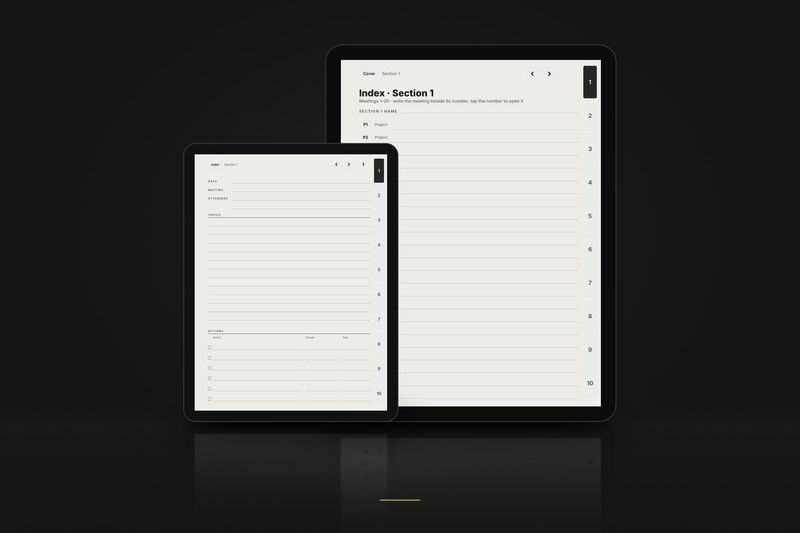
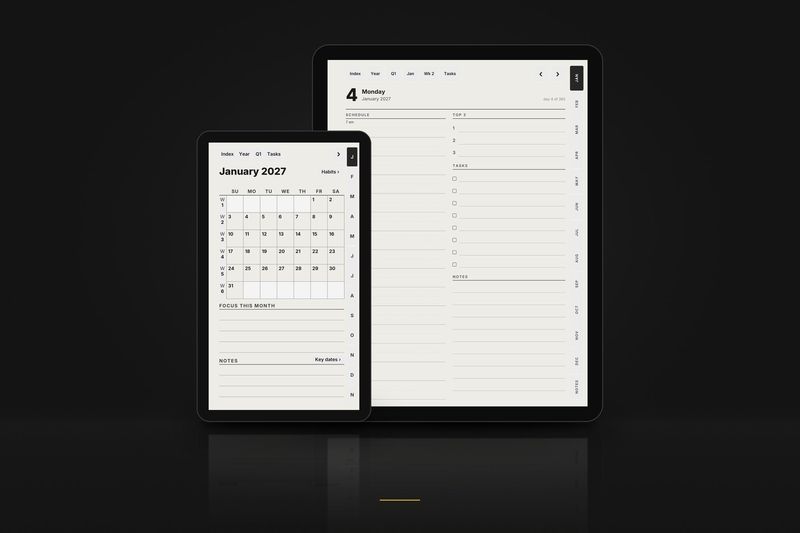
1 January to 31 December 2027
Graphite Planner 2027, January edition
The planner from 1 January 2027.
$18.90
Video
Watch it work
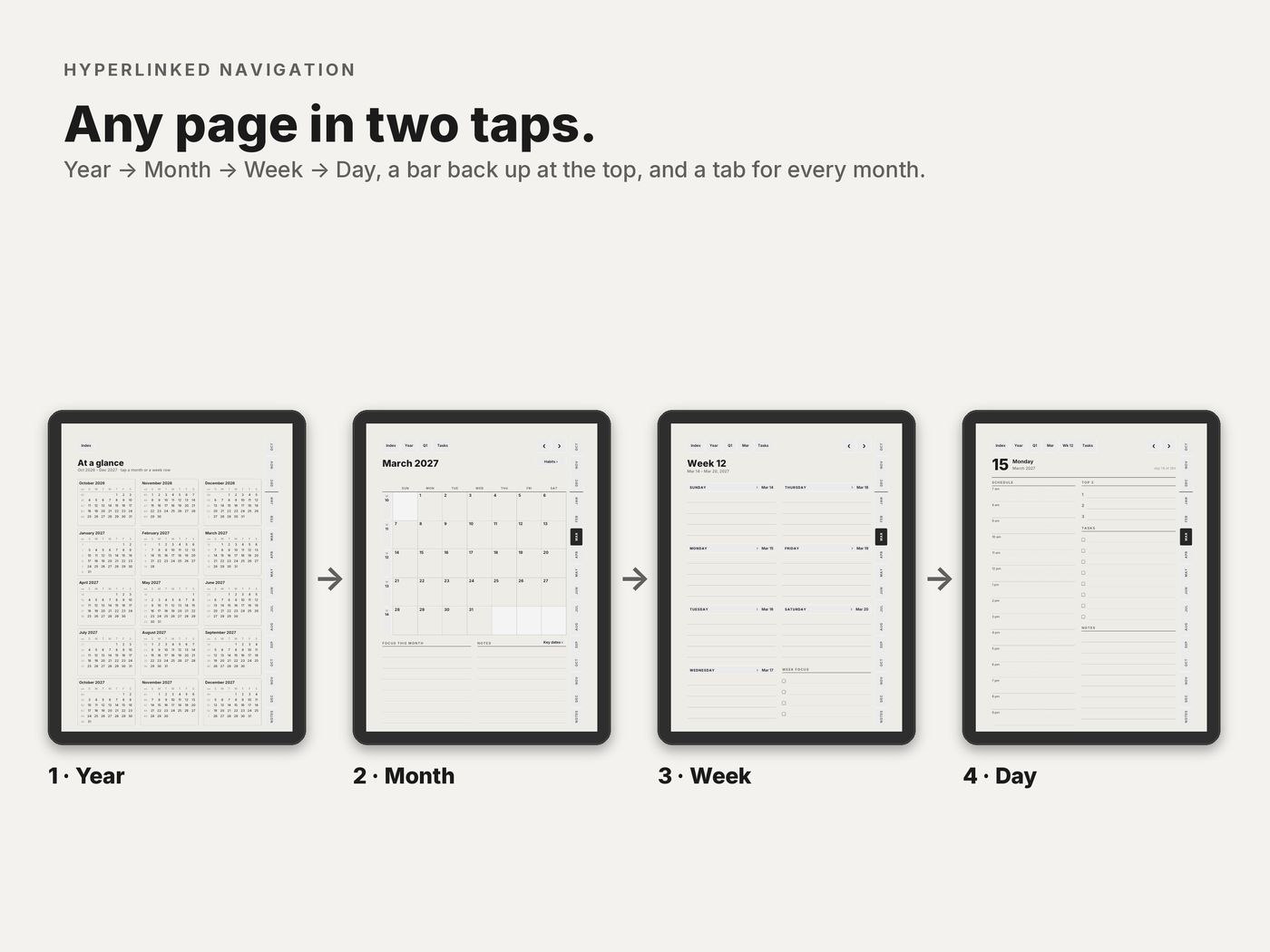
85 seconds on real pages of the PDF: from the year to a month, a week and a day, back up with the top bar, then the Graphite Notebook. Every tap lands on a real link.
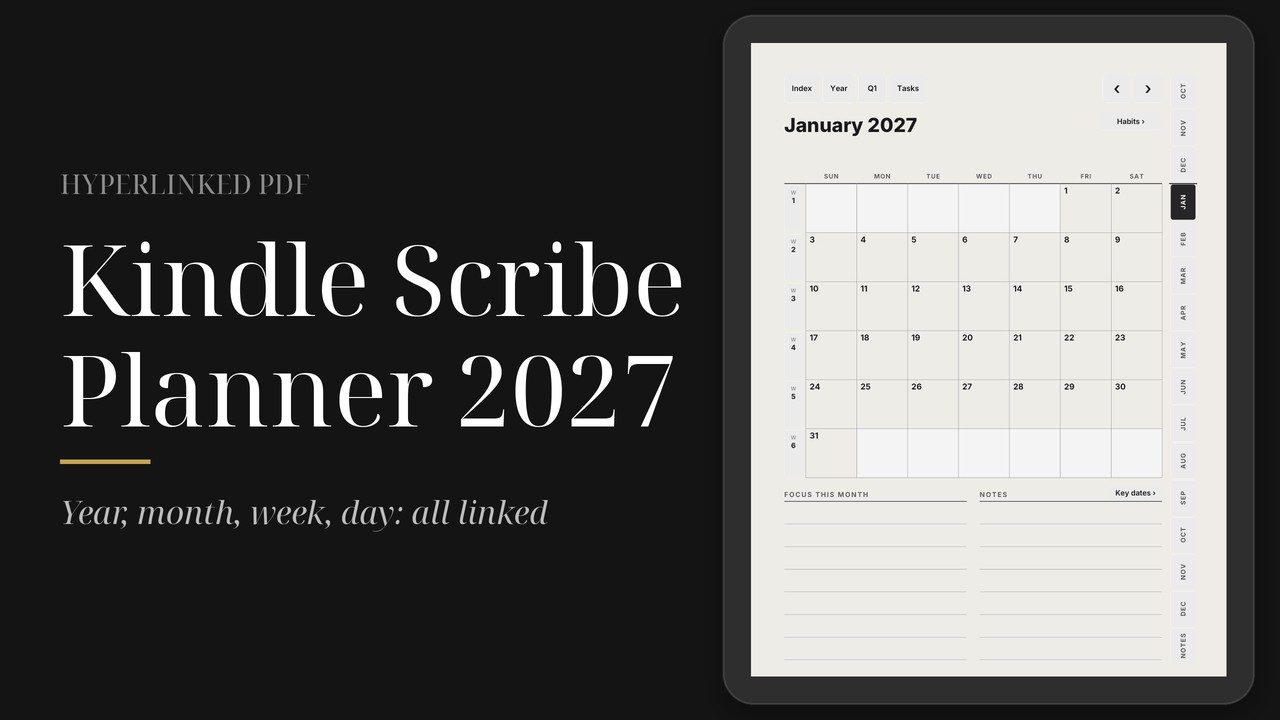
The video loads from YouTube (youtube-nocookie.com) only when you press play.
The planner
Kindle Scribe Planner 2027, in detail
In detail
Kindle Scribe Planner 2027
Every link at least 10 mm from the top and side edges, for every Kindle Scribe generation.
- Kindle Scribe
$10.90
Charged in USD at checkout.Charged in USD at checkout ($10.90); your bank converts at its rate.
- 6 PDFs: 3 editions × 2 hands
- Every link at least 10 mm from the top and side edges
- 96,876 links checked before release
- A Kindle guide: Send to Kindle step by step
Instant download · Personal-use licence · Also works in GoodNotes and Notability on iPad
Built for what e-ink planners usually get wrong
- Links that work. All 96,876 links in the 6 files are opened by three PDF readers and checked by script before release.
- Tabs away from the edges. No link sits closer than 10 mm to the top or side edges, where Scribe taps are easiest to miss.
- Sized for the Scribe. A 3:4 layout for every Kindle Scribe generation.
- Right- and left-handed versions. The month tabs swap sides.
- 12-hour and 24-hour editions, with Sunday or Monday start.
- Instant download. Pay here and download straight away, then Send to Kindle; the link also comes in your email receipt.
Which file for your Kindle Scribe
| In the download | What it is |
|---|---|
| 6 Kindle Scribe files | US, International and International 12-hour, each right- and left-handed |
| START-HERE guide | How to send the file with Send to Kindle so you can write on it |
Send the PDF with Send to Kindle, not by USB: Amazon's help says the Scribe doesn't support writing on PDFs loaded by USB-C.
What's inside each file
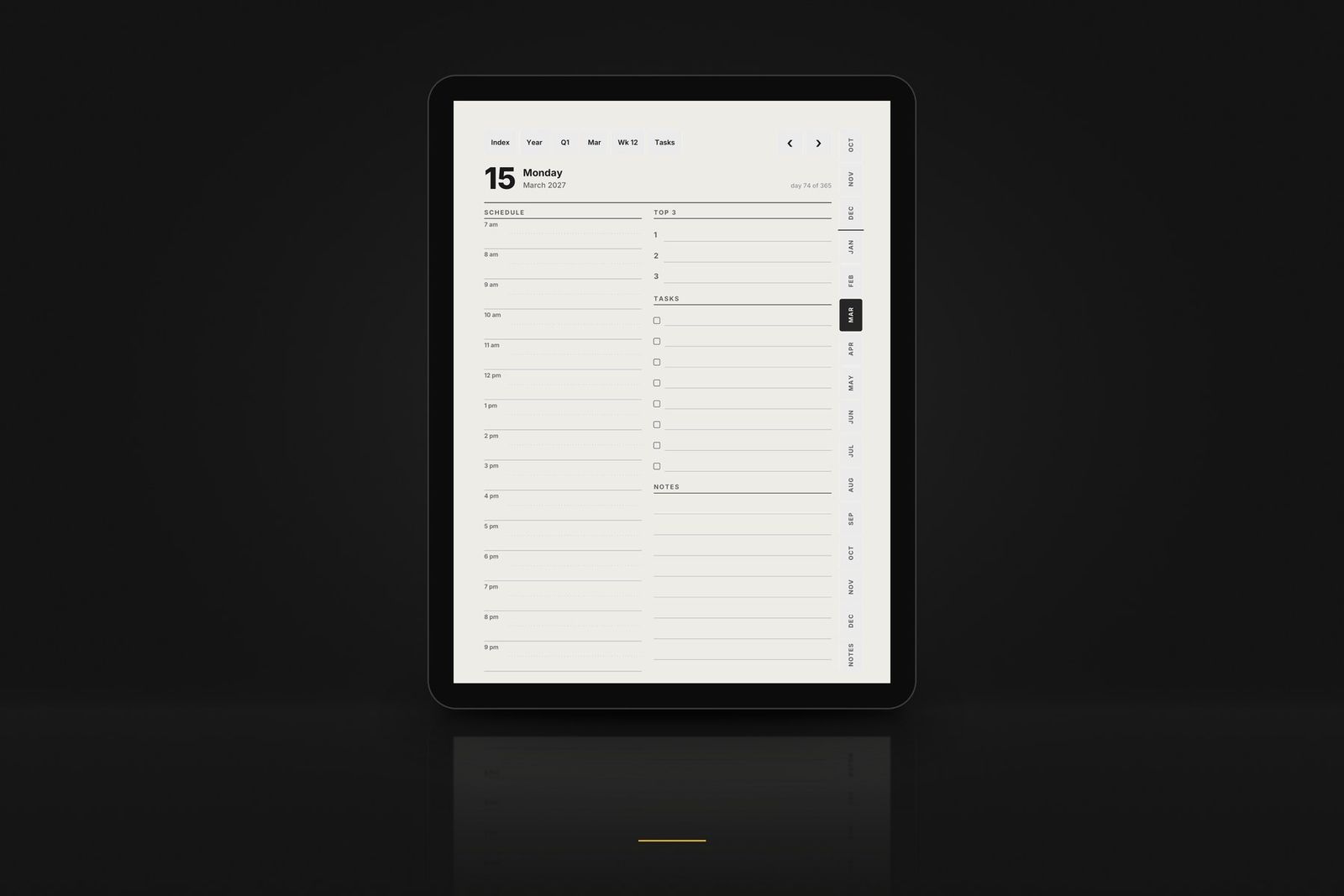
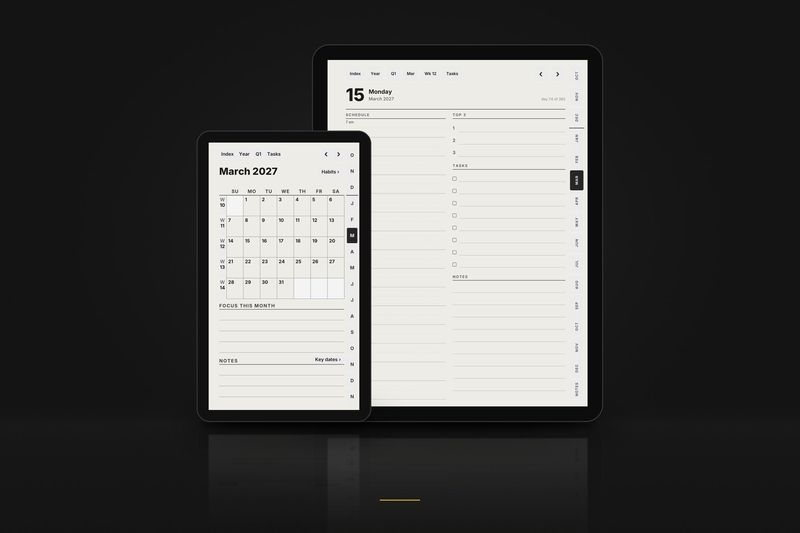
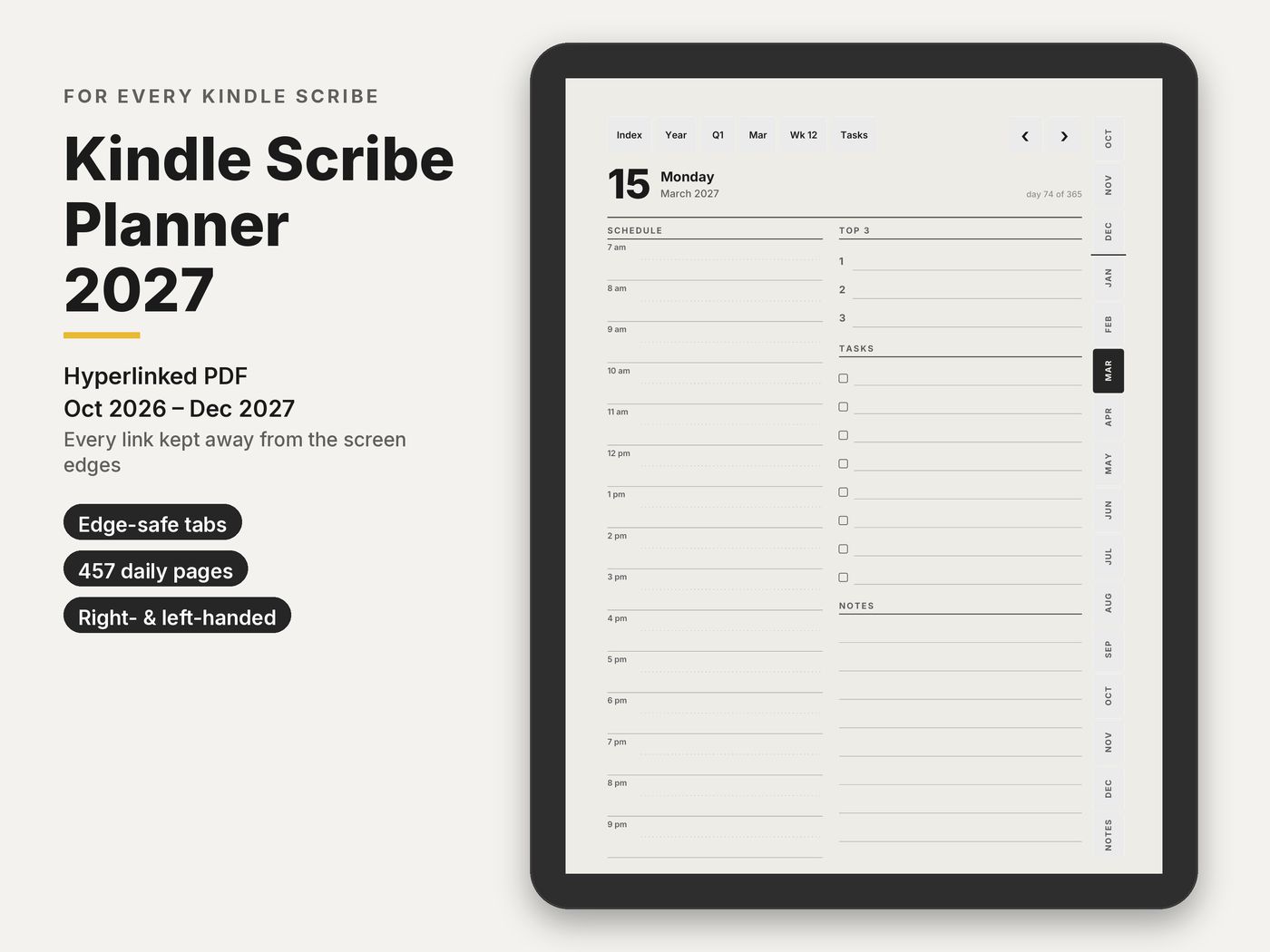
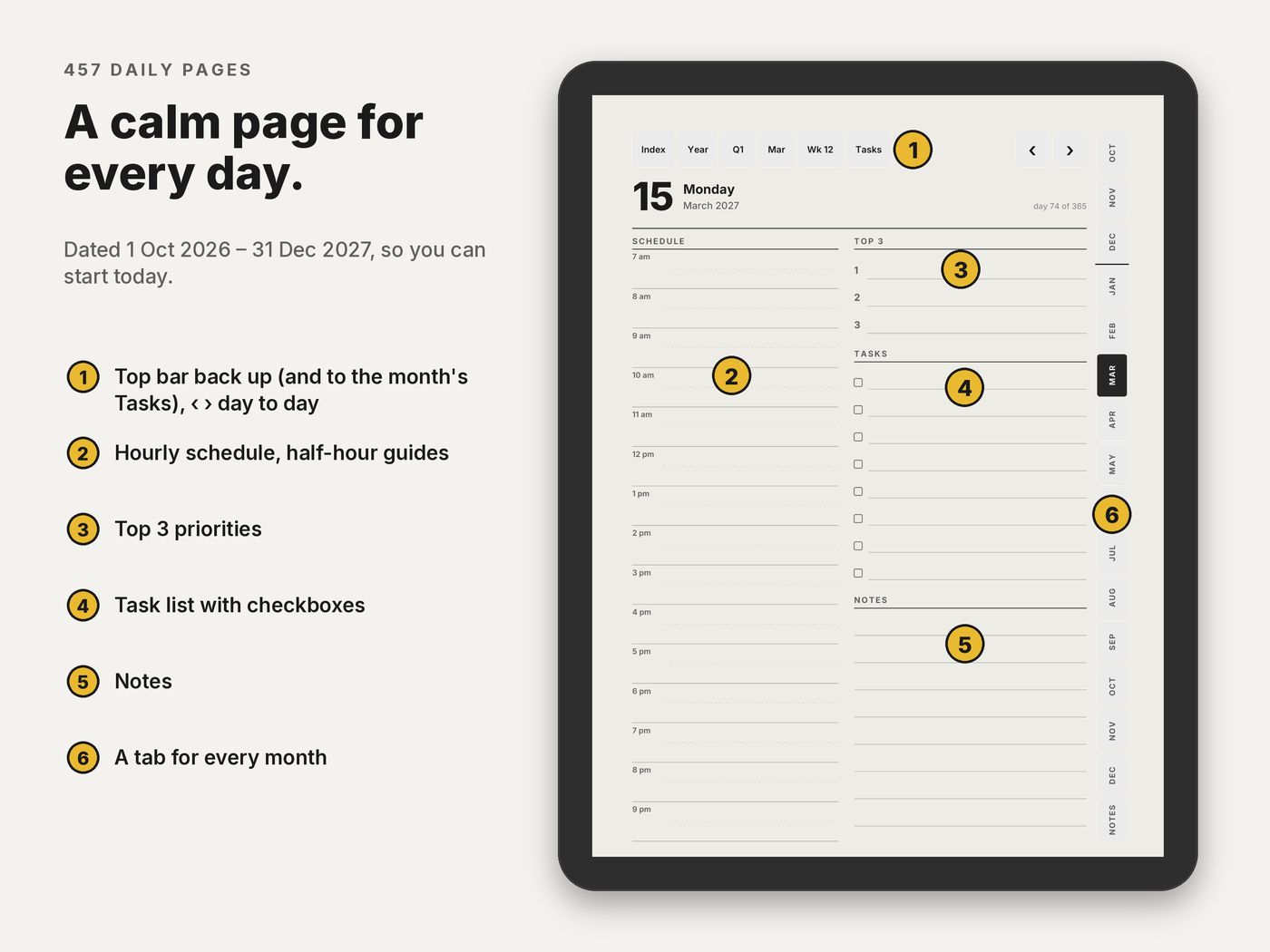
- 457 daily pages 1 October 2026 to 31 December 2027: hourly schedule, top 3, tasks and notes.
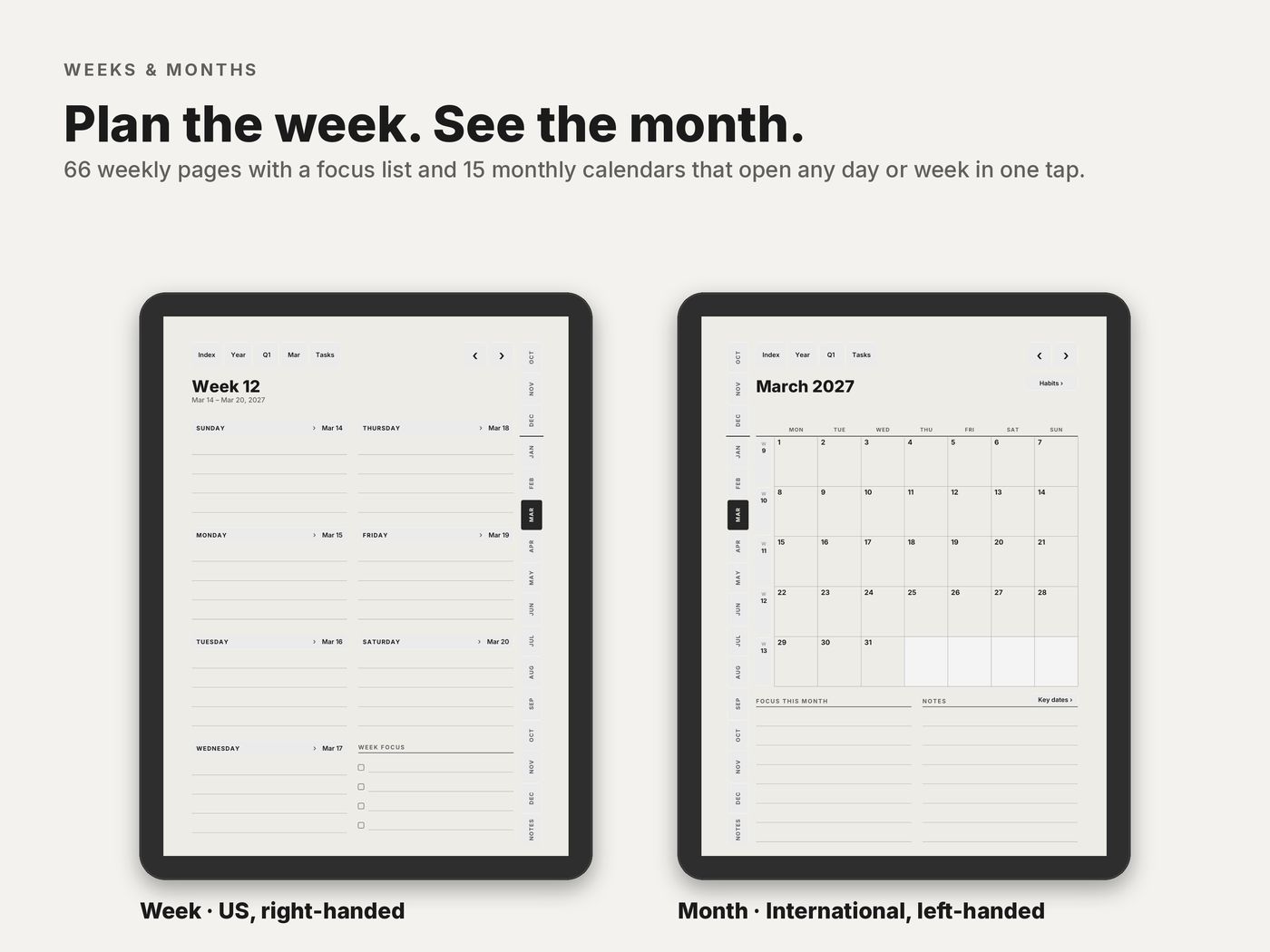
- 66 weekly pages with a focus list.
- 15 monthly calendars and 15 monthly habit trackers.
- 15 monthly task pages one tap from the top bar of any day, week or month page.
- Year and goals year at a glance, goals for 2027, key dates on 2 pages and 2027 in review.
- 5 quarter plans Q4 2026 to Q4 2027, with goals and reviews.
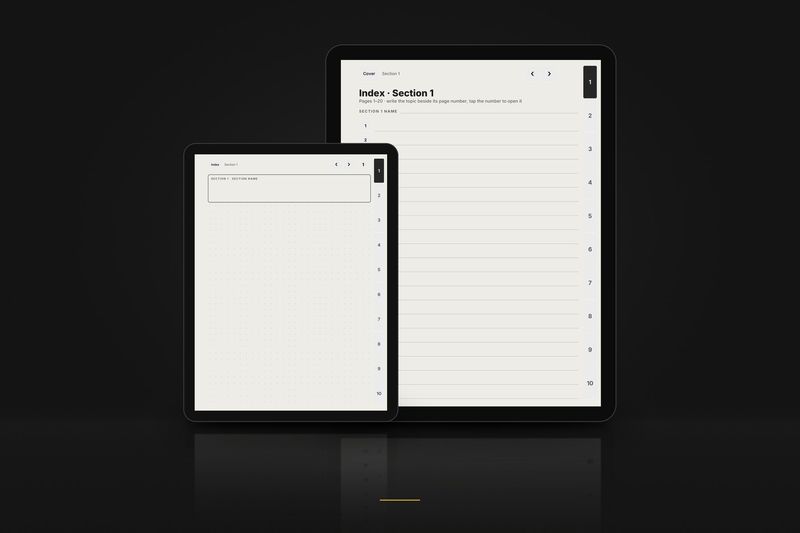
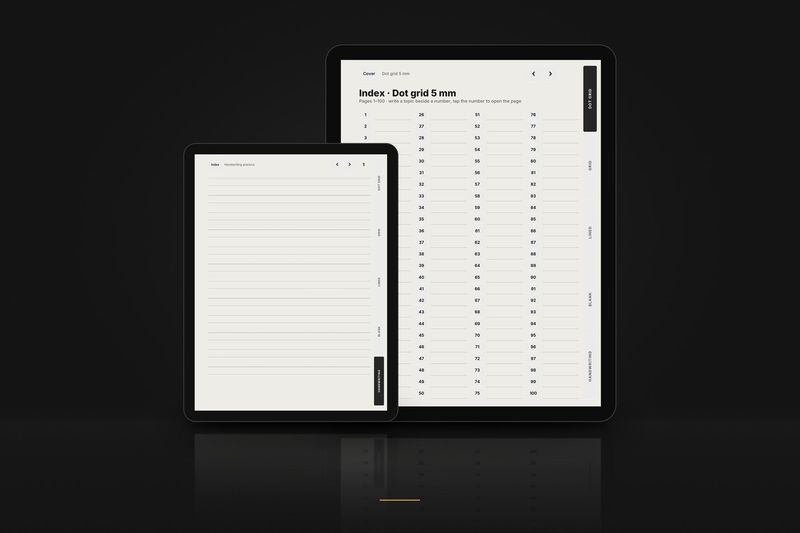
- 16 project pages and 40 dot-grid note pages each set with a linked index.
Editions and hands
Each layout comes in three calendar editions, each right- and left-handed. Pick the one that matches how you plan.
| In the file name | Means |
|---|---|
_us_ | Weeks start on Sunday · 12-hour schedule, 9 am · dates like March 15, 2027 · US week numbers |
_intl_ | Weeks start on Monday · 24-hour schedule, 09:00 · dates like 15 March 2027 · ISO week numbers |
_intl12_ | Weeks start on Monday · 12-hour schedule, 9 am · dates like 15 March 2027 · ISO week numbers |
_right | Right-handed: tabs on the right edge, nothing to tap on the left side |
_left | Left-handed: everything mirrored, tabs on the left edge |
These editions are for the planner. Notebook files are named by paper and hand instead, for example dot_right or meeting_left.
Setup
Ready in three steps
The short version. The full Kindle Scribe guide covers every option and problem.
- 1
Download
Buy and download the files, then unzip the Kindle Scribe PDF you want: US, International or International 12-hour, right- or left-handed.
- 2
Send to Kindle
Send it with Amazon's Send to Kindle, by web, app or email. If you email it, do not write convert in the subject.
- 3
Write and tap
Open it from your Library. Write with the pen; tap links with a finger or choose the pointer tool first.
Free samples
Try it on your Kindle Scribe first
3 linked pages of each product in the layout for this tablet. No email, no account.
Graphite Planner 2027Kindle Scribe
January edition 2027Kindle Scribe
Graphite NotebookKindle Scribe
Weekly Planner 2027Kindle Scribe
Daily Journal 2027Kindle Scribe
Habit and Health Tracker 2027Kindle Scribe
Meeting Notes NotebookKindle Scribe
E-ink Paper PackKindle Scribe
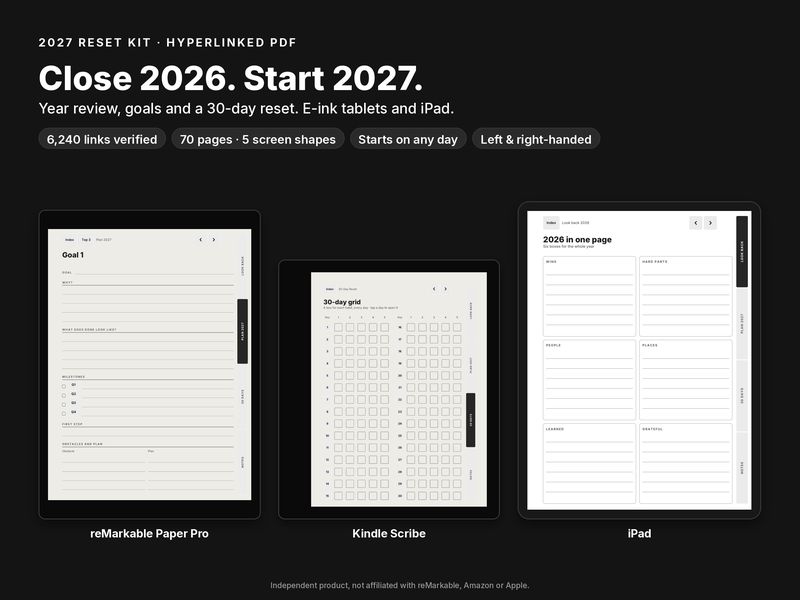
2027 Reset KitKindle Scribe
Reading Journal 2027Kindle Scribe
Questions
Kindle Scribe FAQ
- I can't write on the pages.
- The file was probably copied by USB. Send it again with Send to Kindle, which keeps PDFs writable.
- It opens as a book with reflowed text.
- It was converted on the way, usually because the email subject said convert. Send it again with any other subject.
- Why are the margins wider than in other planners?
- Taps very close to the top and right edges of the Scribe have been reported to be missed, so every link keeps a 10 mm distance.
- A link does nothing, or my pen draws on the button.
- Tap with a finger, or select the pointer, the hand tool, first. The pen writes.
Read more
Guides and articles
Article
Kindle Scribe planner for 2027: how to set it up with Send to Kindle
From the download to the first tap: Send to Kindle, the convert trap, the 10 mm edge rule and the Colorsoft.
Read the article
Article
Kindle Scribe planner 2027: what works, what doesn't, and the free sample
Writing, links and layout on every Kindle Scribe generation: what works, what doesn't, and how to test a 2027 planner before you buy.
Read the article
Article
Kindle Scribe: Send to Kindle vs USB for PDF planners (and why links vanish)
Which route keeps a PDF writable, what conversion does to links, the size limits of each method and how to repair a bad copy.
Read the article
More help: all articles · setup guides.