
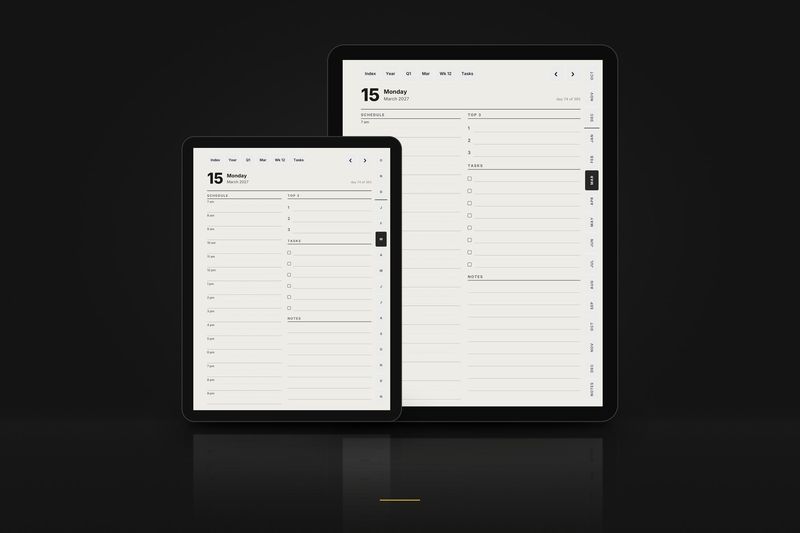
For your tablet
Boox Note Air, Tab and Nova
Large for the 10.3 inch and larger Boox, Compact for the 7 to 7.8 inch models. The planner opens in NeoReader with every link working.
Buy now · $10.90Try a tiny sample
Charged in USD at checkout.Charged in USD at checkout ($10.90); your bank converts at its rate.
Boox Planner 2027 · $10.90 · 12 PDFs: 2 layouts × 3 editions × 2 hands
Products
Made for your Boox
Every product below includes a layout drawn for this tablet.
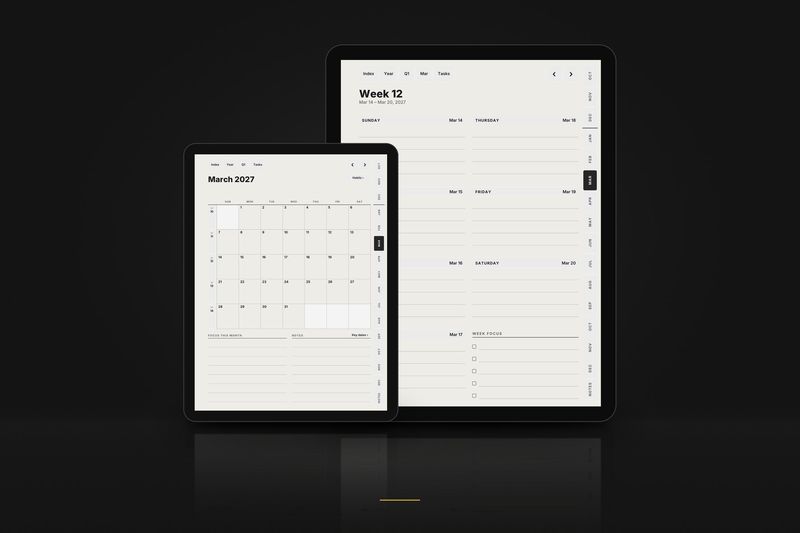
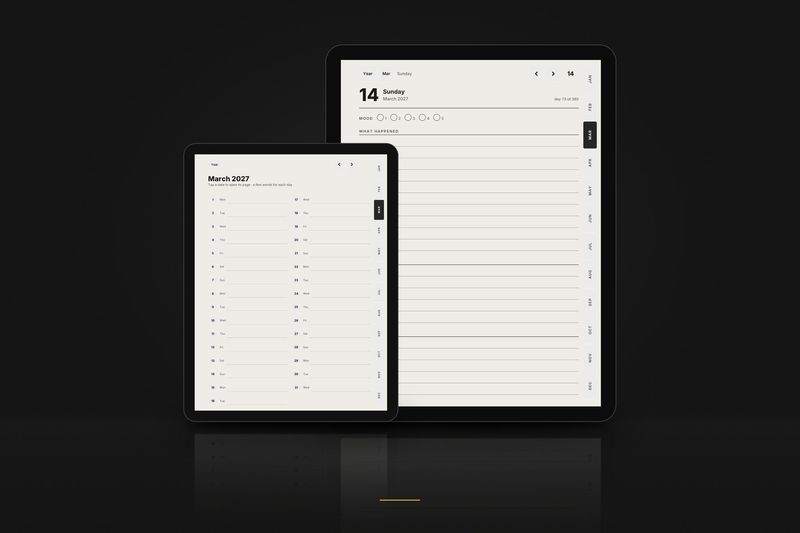
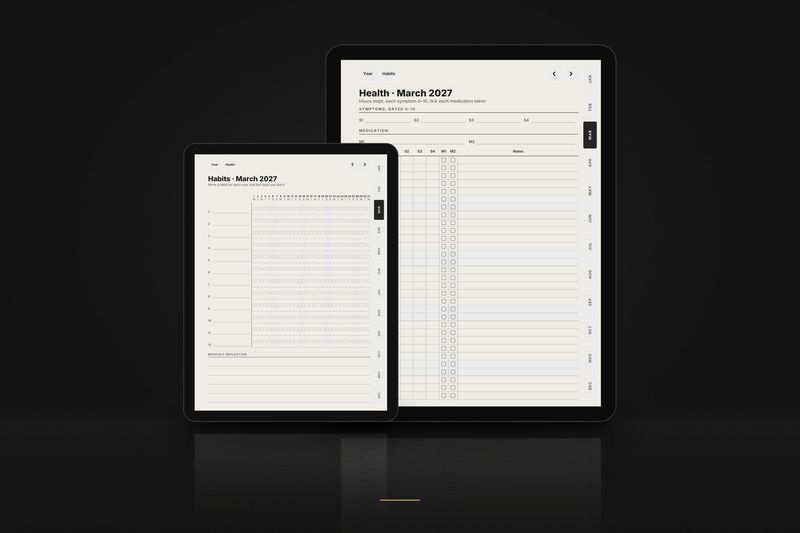
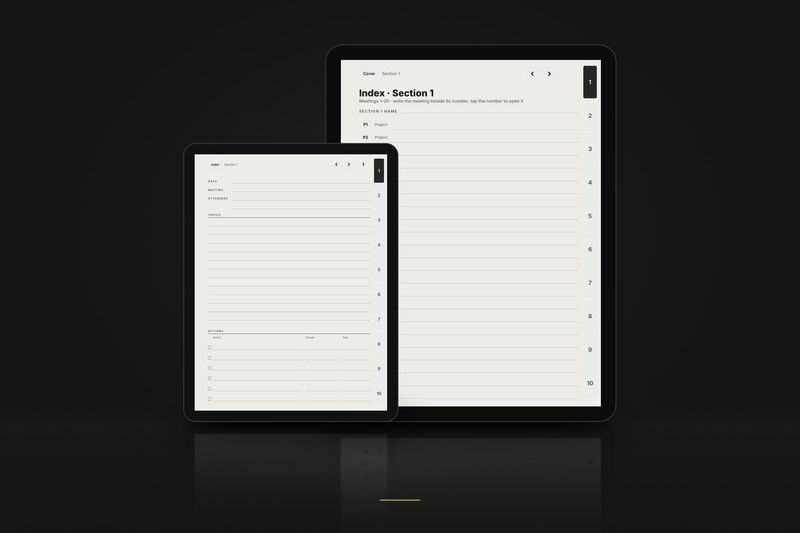
1 January to 31 December 2027
Graphite Planner 2027, January edition
The planner from 1 January 2027.
$18.90
Video
Watch it work
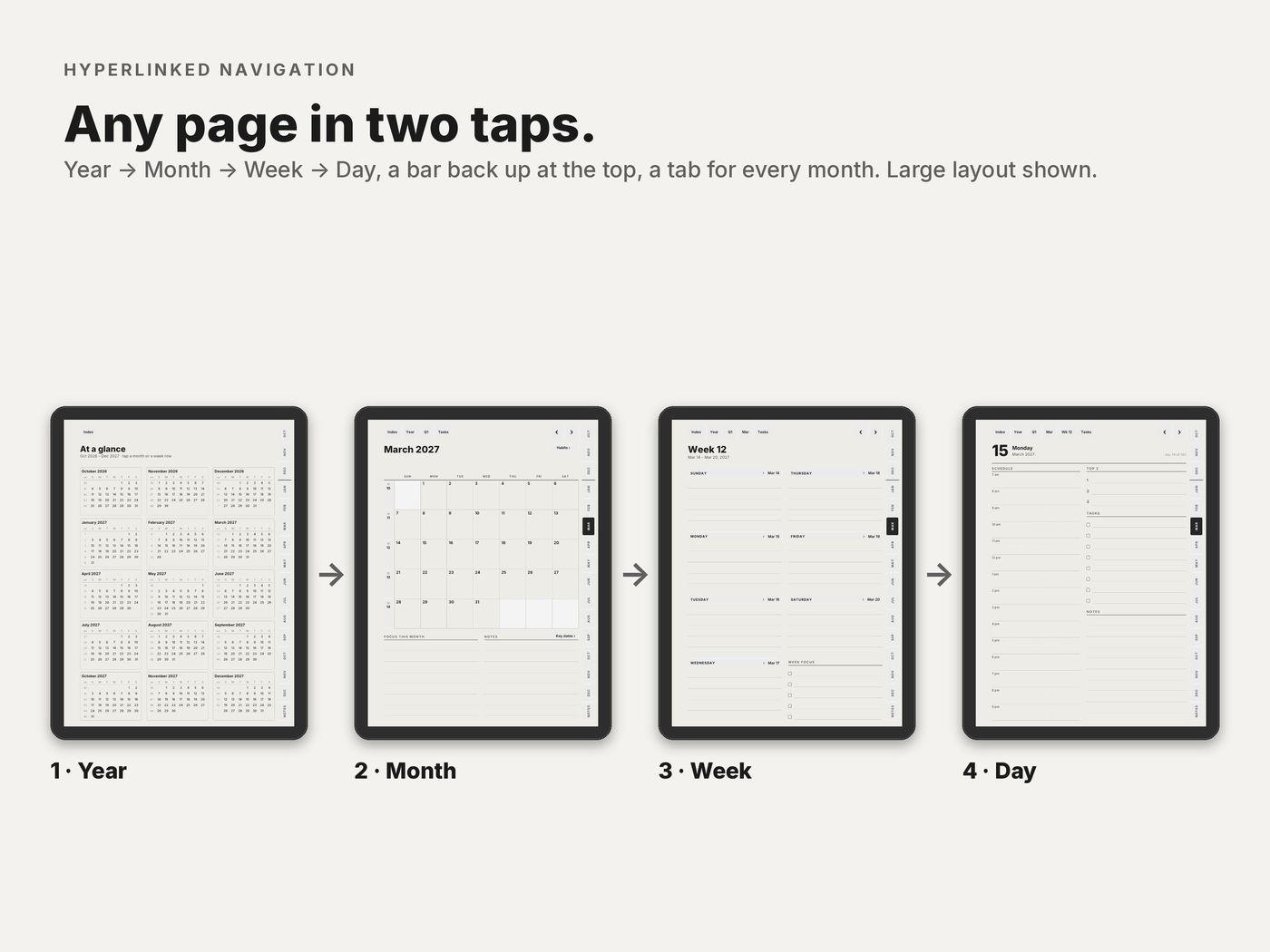
85 seconds on real pages of the PDF: from the year to a month, a week and a day, back up with the top bar, then the Graphite Notebook. Every tap lands on a real link.
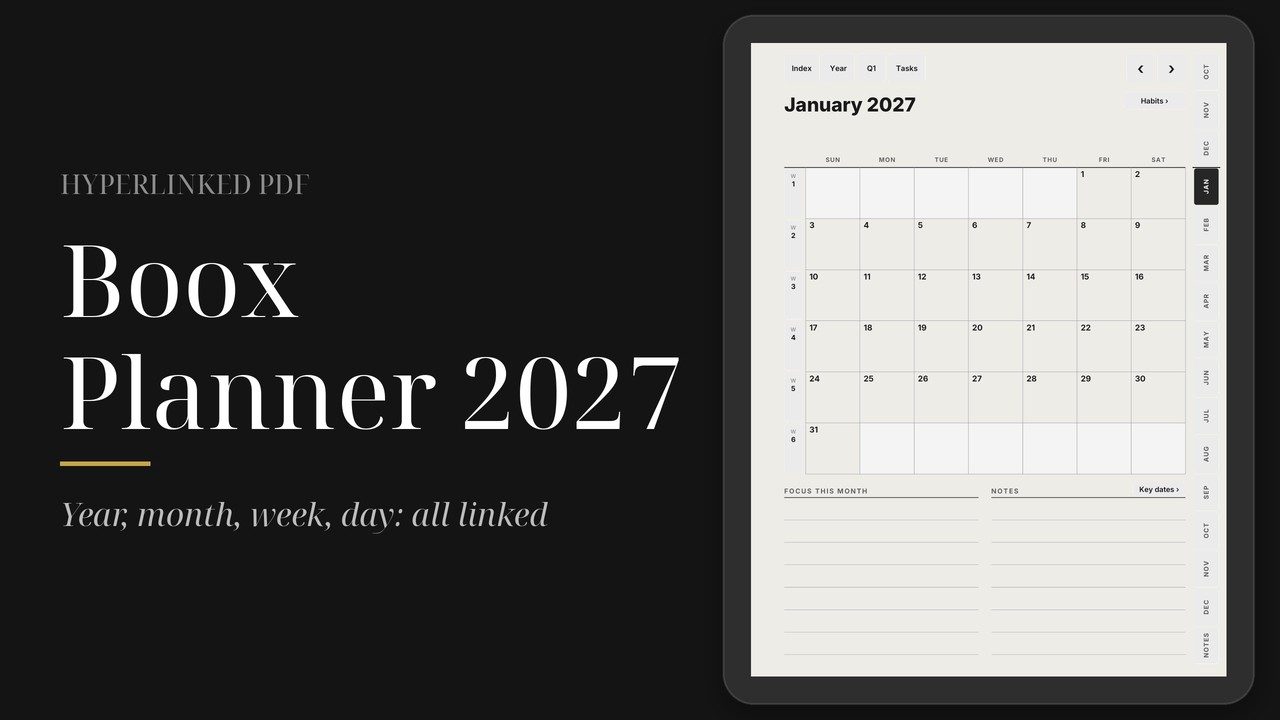
The video loads from YouTube (youtube-nocookie.com) only when you press play.
The planner
Boox Planner 2027, in detail
In detail
Boox Planner 2027
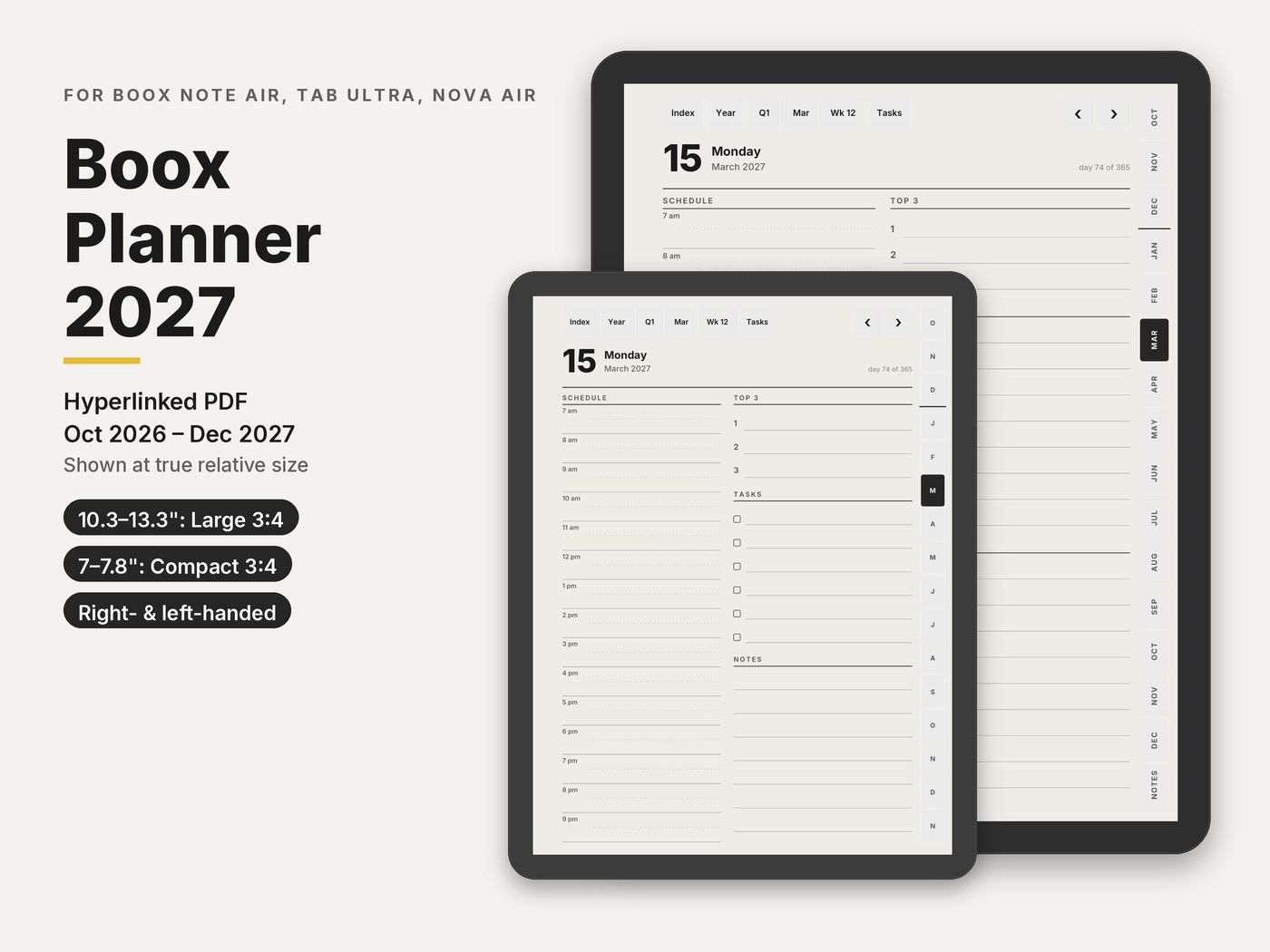
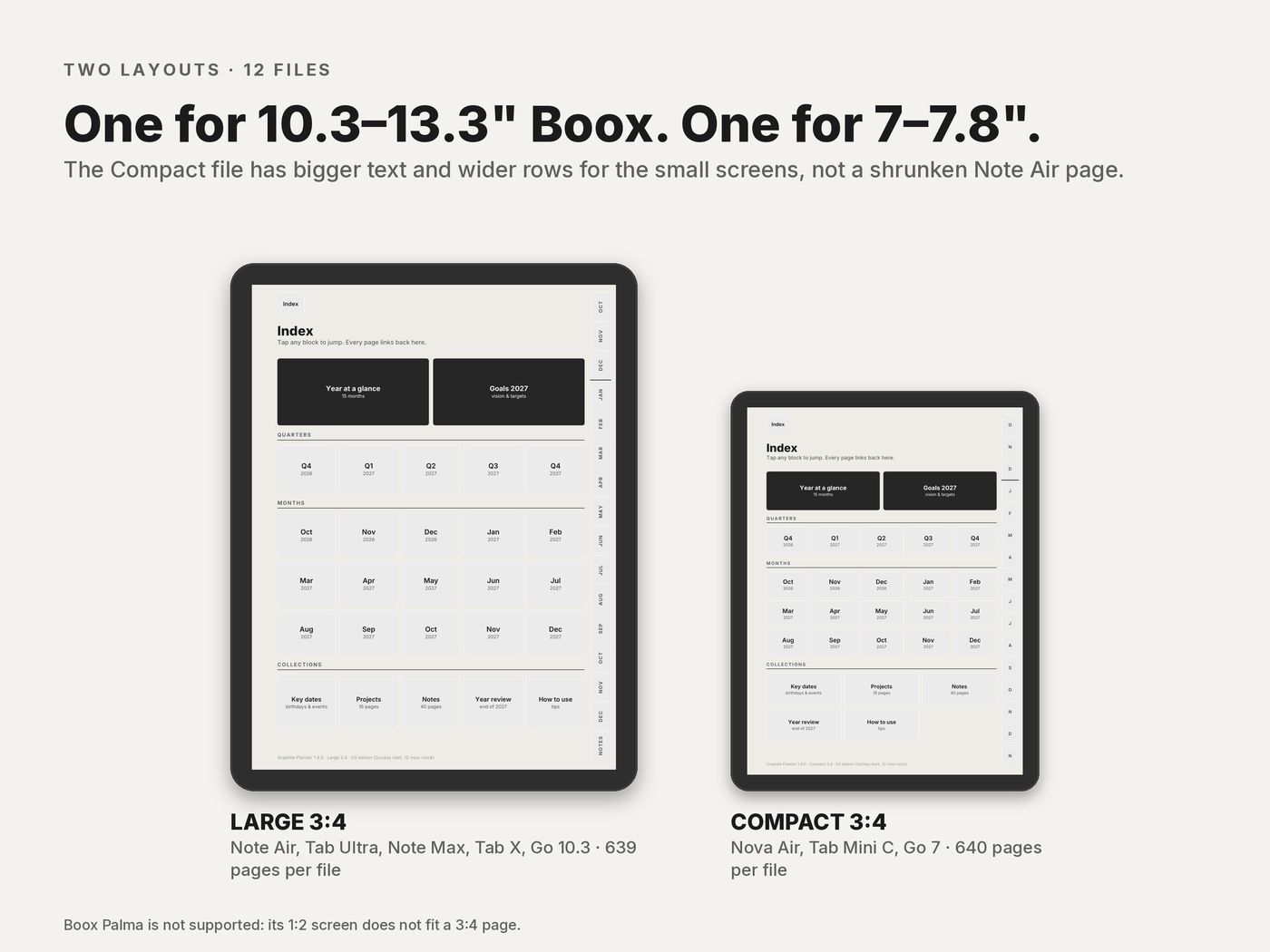
Large for the Note Air, Tab Ultra, Note Max and Tab X. Compact for the Nova Air, Tab Mini C and Go 7.
- Boox
$10.90
Charged in USD at checkout.Charged in USD at checkout ($10.90); your bank converts at its rate.
- 12 PDFs: 2 layouts × 3 editions × 2 hands
- 639 pages Large, 640 pages Compact
- 193,866 links checked before release
- Opens in NeoReader, the built-in PDF reader
Instant download · Personal-use licence · Also works in GoodNotes and Notability on iPad
Built for what e-ink planners usually get wrong
- Links that work. All 193,866 links in the 12 files are opened by three PDF readers and checked by script before release.
- Two native layouts. Large 3:4 for the Note Air, Tab Ultra and Note Max, and a separate Compact 3:4 for the Nova Air, Tab Mini C and Go 7.
- Nothing under a docked toolbar. Nothing tappable on the side opposite the tabs; right- and left-handed versions swap sides.
- Drawn for e-ink. Near-black text, in greyscale.
- 12-hour and 24-hour editions, with Sunday or Monday start.
- Instant download. Pay here and download straight away; the link also comes in your email receipt.
Which file for your Boox
| Your Boox | Layout |
|---|---|
| Note Air, all generations · Tab Ultra, Tab Ultra C · Note Max · Tab X · Go 10.3 | Large 3:4, 639 pages |
| Nova Air · Tab Mini C · Go 7 | Compact 3:4, 640 pages |
Boox Palma is not supported: its phone-shaped screen does not fit a 3:4 page.
What's inside each file
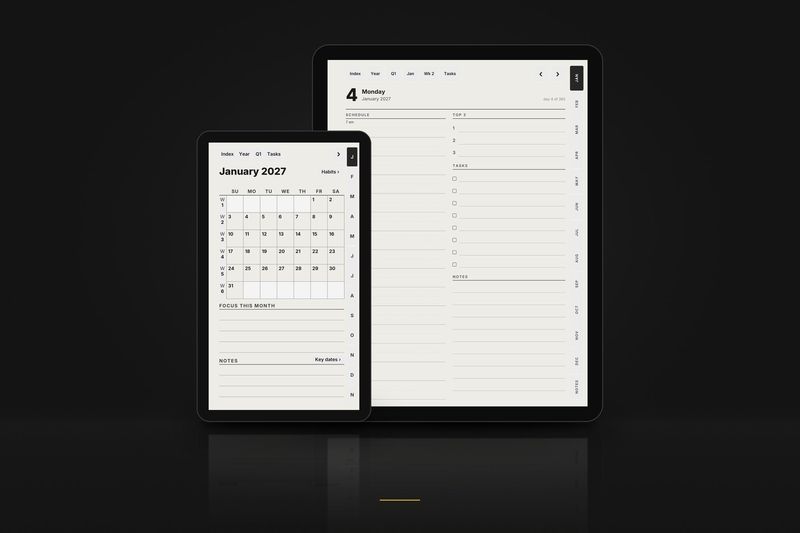
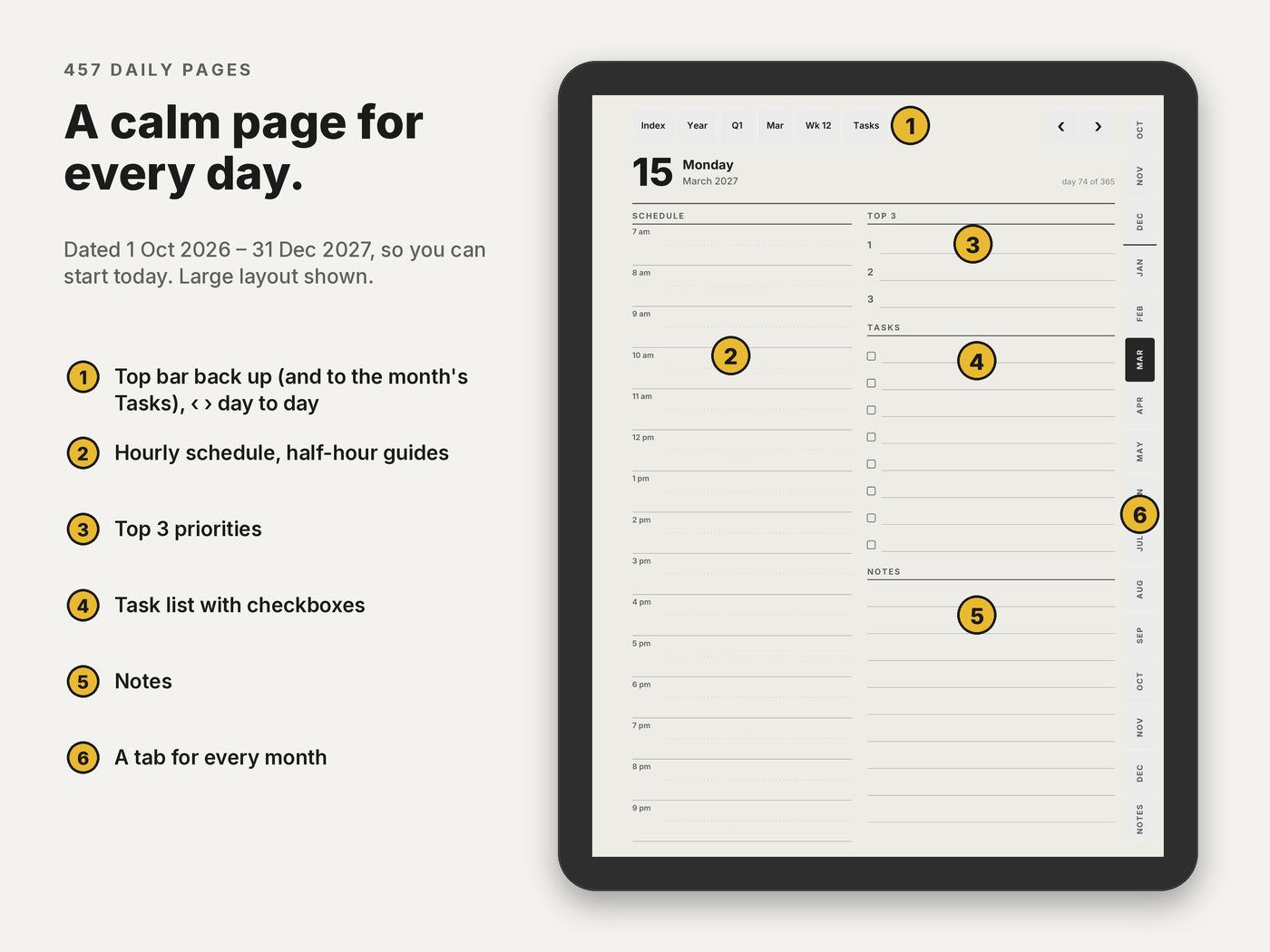
- 457 daily pages 1 October 2026 to 31 December 2027: hourly schedule, top 3, tasks and notes.
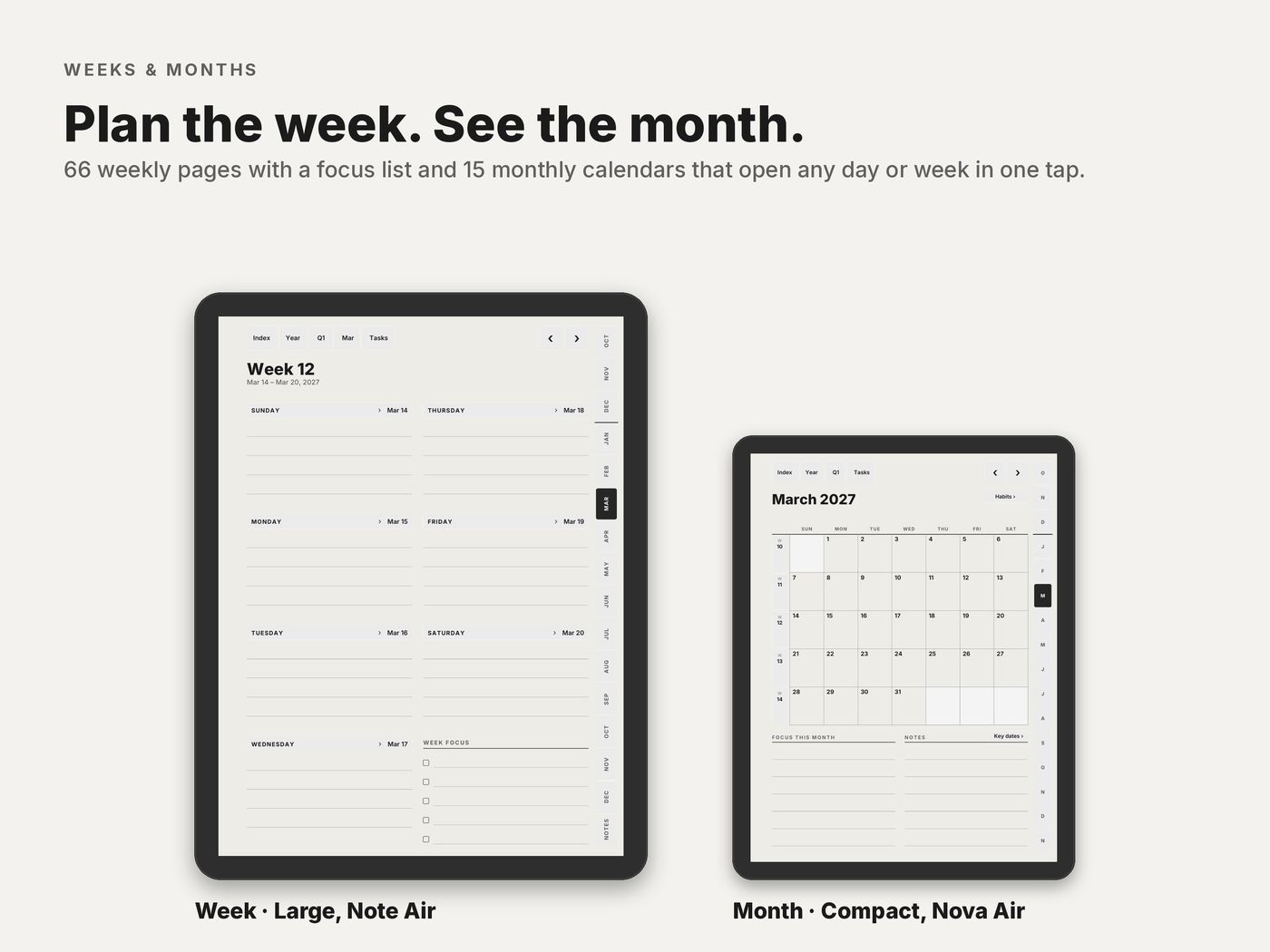
- 66 weekly pages with a focus list.
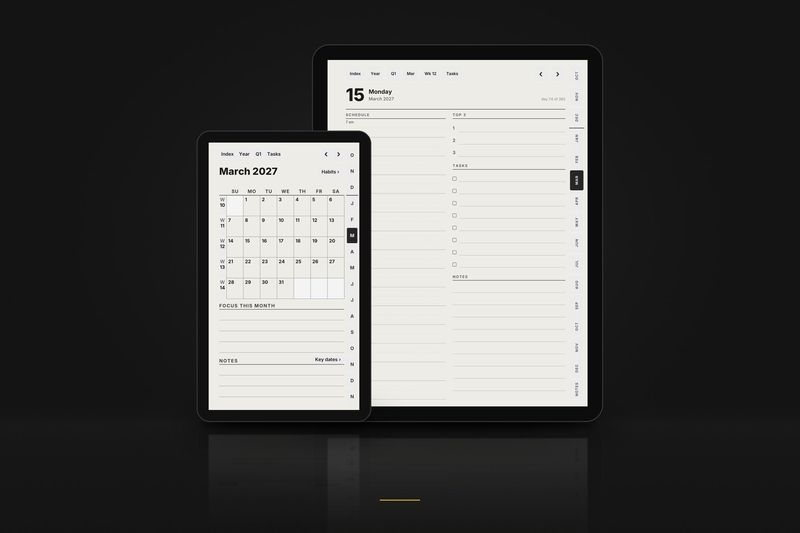
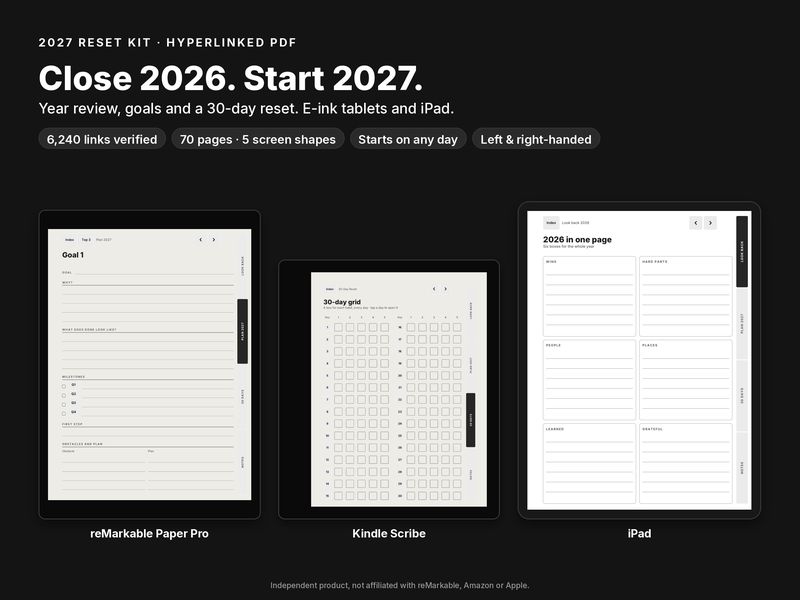
- 15 monthly calendars and 15 monthly habit trackers.
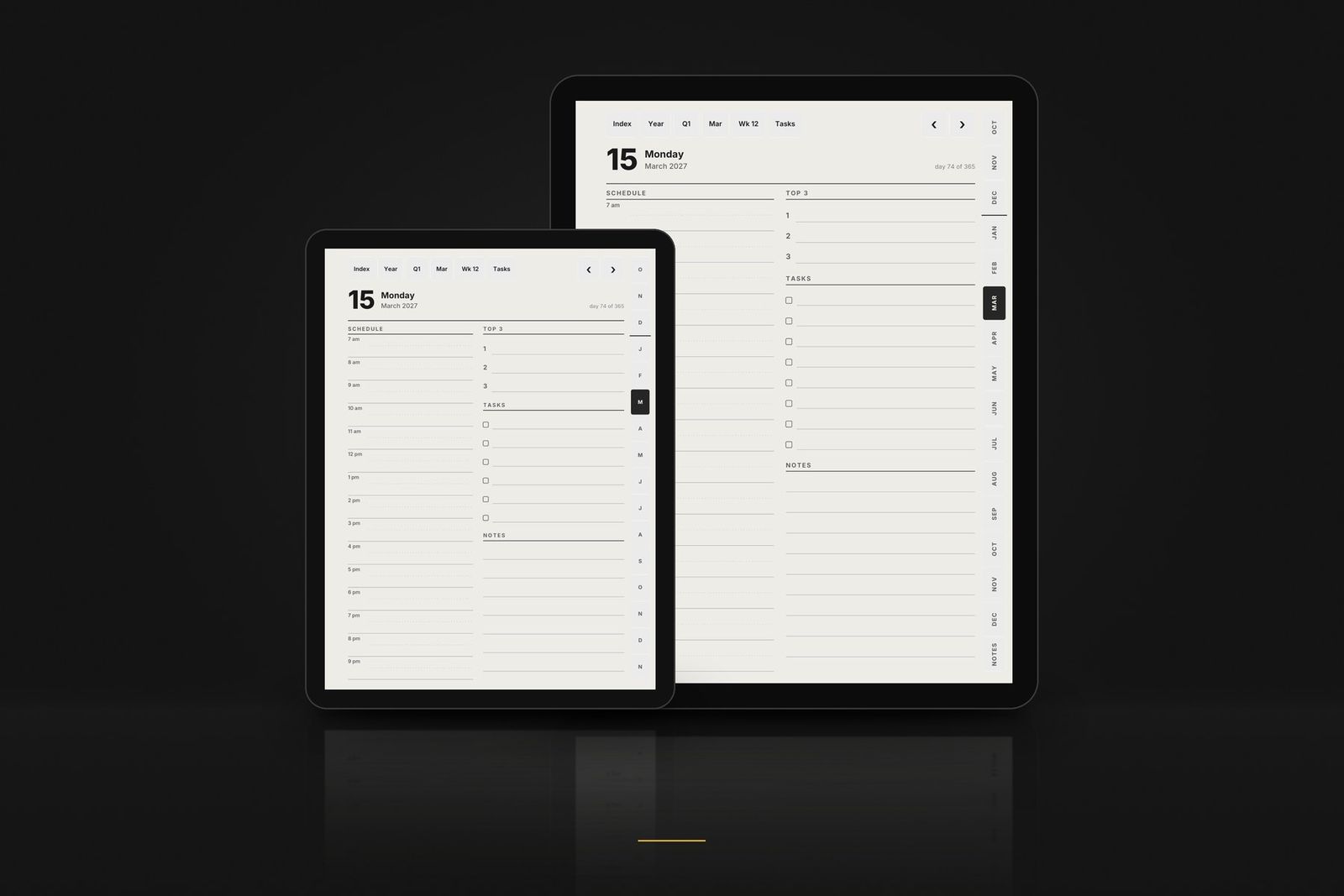
- 15 monthly task pages one tap from the top bar of any day, week or month page.
- Year and goals year at a glance, goals for 2027, key dates on 2 pages and 2027 in review.
- 5 quarter plans Q4 2026 to Q4 2027, with goals and reviews.
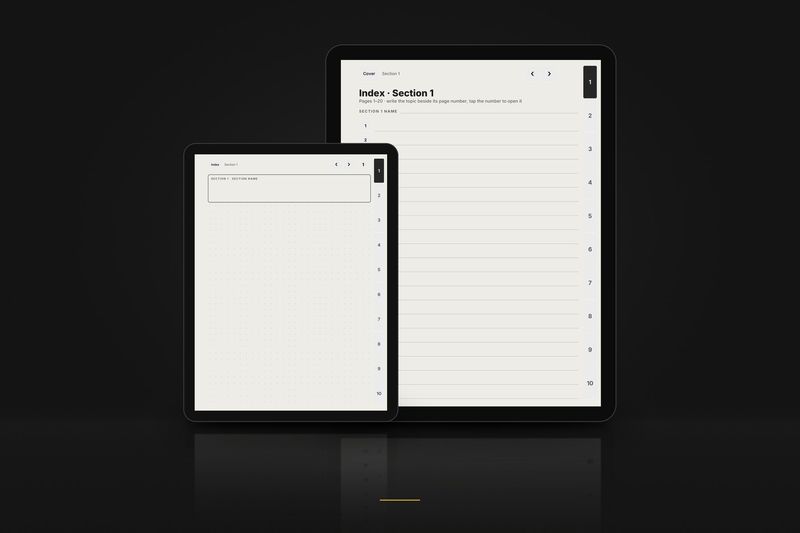
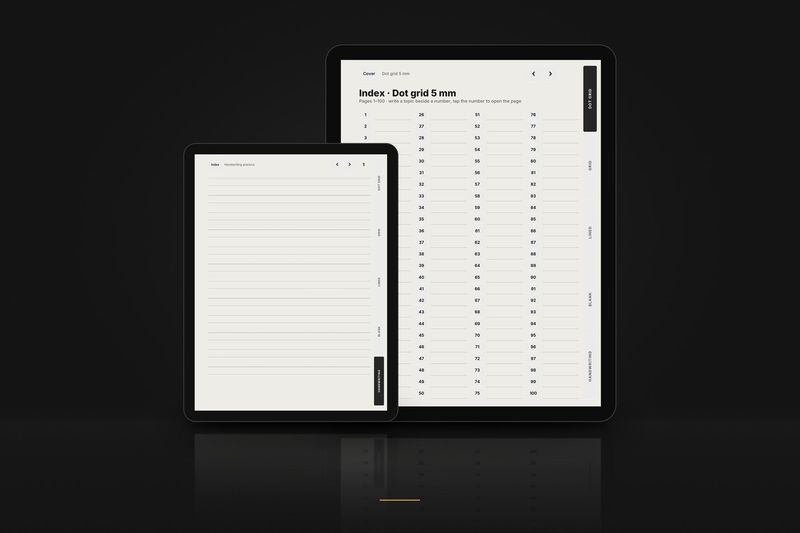
- 16 project pages and 40 dot-grid note pages each set with a linked index.
Editions and hands
Each layout comes in three calendar editions, each right- and left-handed. Pick the one that matches how you plan.
| In the file name | Means |
|---|---|
_us_ | Weeks start on Sunday · 12-hour schedule, 9 am · dates like March 15, 2027 · US week numbers |
_intl_ | Weeks start on Monday · 24-hour schedule, 09:00 · dates like 15 March 2027 · ISO week numbers |
_intl12_ | Weeks start on Monday · 12-hour schedule, 9 am · dates like 15 March 2027 · ISO week numbers |
_right | Right-handed: tabs on the right edge, nothing to tap on the left side |
_left | Left-handed: everything mirrored, tabs on the left edge |
These editions are for the planner. Notebook files are named by paper and hand instead, for example dot_right or meeting_left.
- 1
Download
Buy and download the files, then unzip the one for your screen: Large 3:4 or Compact 3:4.
- 2
Copy
Copy the PDF to the Boox by USB, BooxDrop or Push, into a normal folder.
- 3
Write and tap
Open it in NeoReader and write in scribble mode. To follow a link, leave scribble mode or tap with a finger.
Free samples
Try it on your Boox first
3 linked pages of each product in the layout for this tablet. No email, no account.
Questions
Boox FAQ
- Which file for my Boox?
- Large 3:4 on the Note Air, Tab Ultra, Note Max and Tab X; Compact 3:4 on the Nova Air, Tab Mini C and Go 7.
- Can I put it in the noteTemplate folder?
- No: that folder is for PNG page templates. Keep the planner in a normal folder and open it in NeoReader.
- Is the Boox Palma supported?
- No. Its phone-shaped screen does not fit a 3:4 page.
- A link does nothing, or my pen draws on the button.
- Exit scribble mode, or tap the link with a finger.
Read more
Guides and articles
Article
Boox templates: PDF planners in NeoReader and templates in Notes
NeoReader or the Notes app, importing a linked PDF into Notes on firmware 4.x, and what the noteTemplate folder is for.
Read the article
Article
Boox Note Air 4 and Go 10.3 templates: NeoReader settings for linked PDFs
Which file fits both 10.3 inch screens, the NeoReader view settings that keep links working, and the Notes app on firmware 4.x.
Read the article
Article
Hyperlinked PDF planners explained: links, testing and layouts
What a PDF link is, how links get verified, a three-tap test for any sample, left-handed layouts and screen shapes.
Read the article
More help: all articles · setup guides.