
For your tablet
reMarkable Paper Pro Move
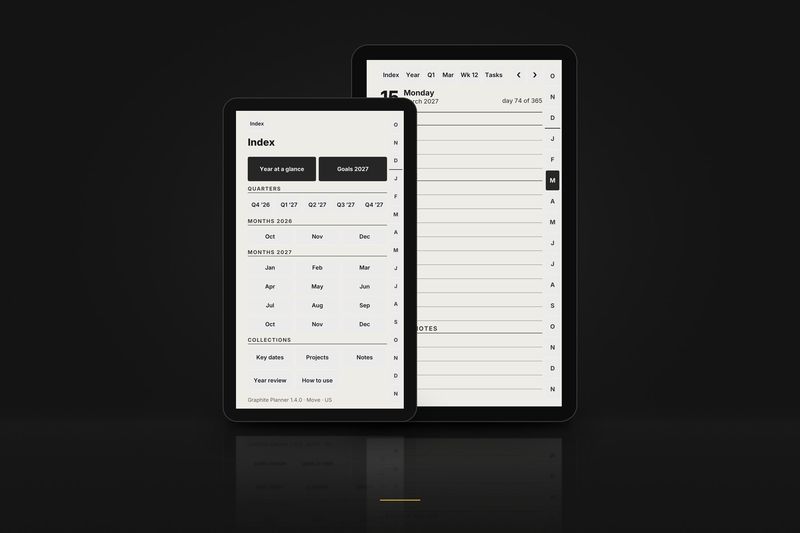
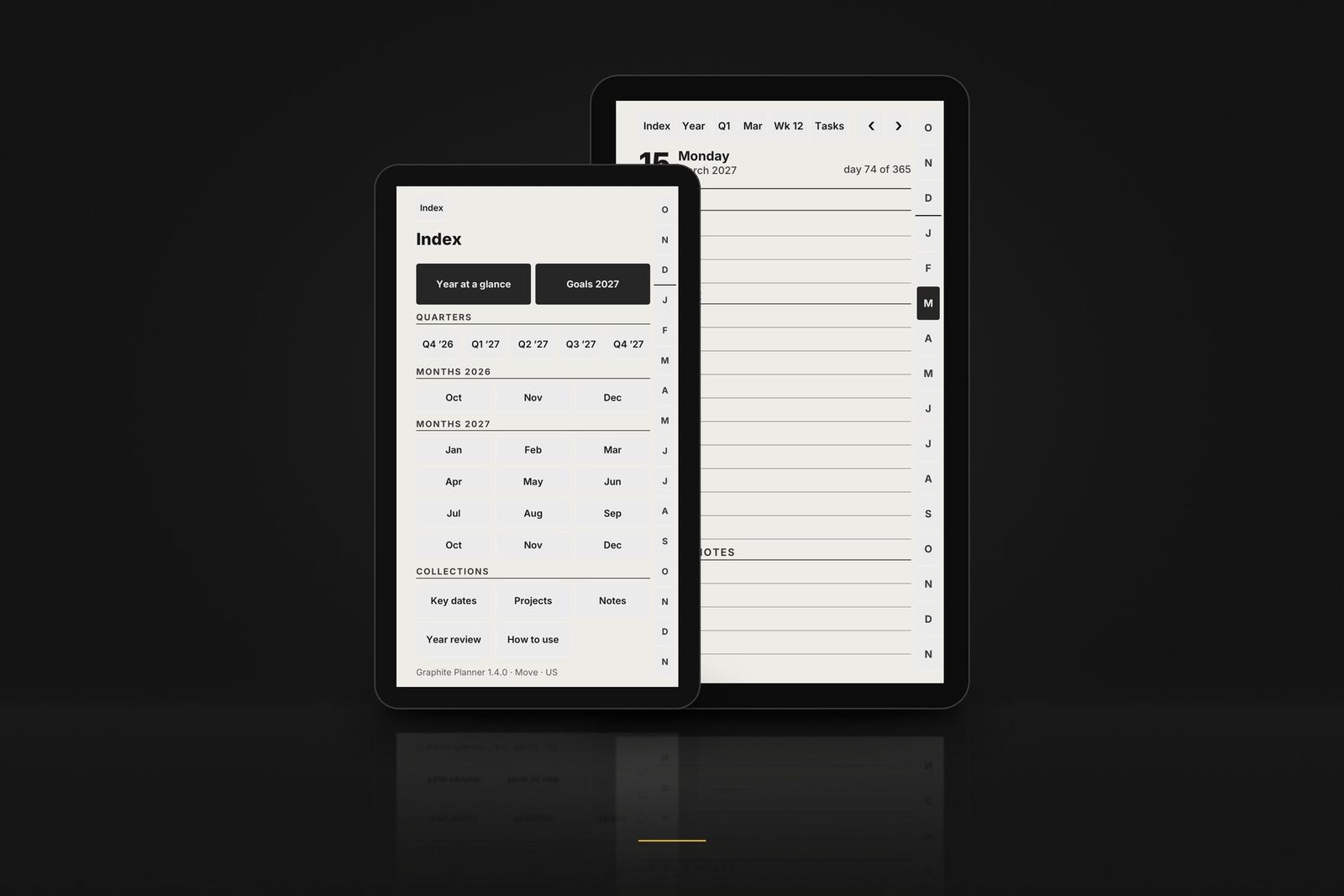
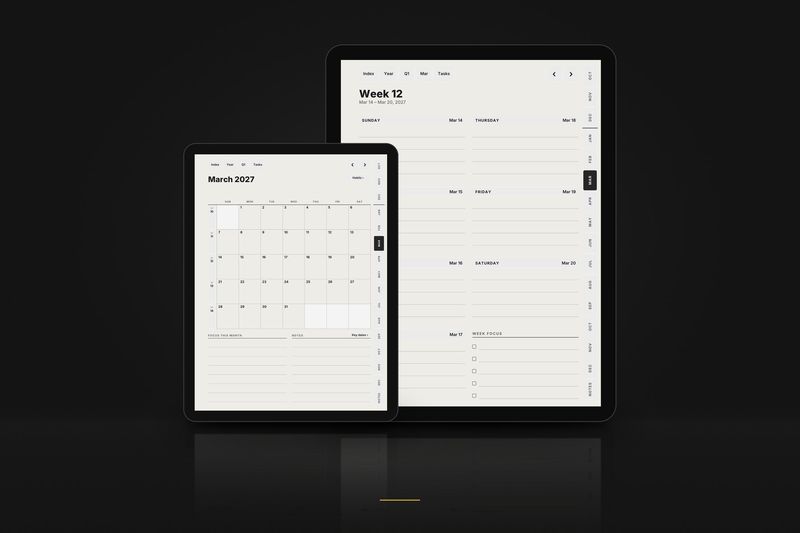
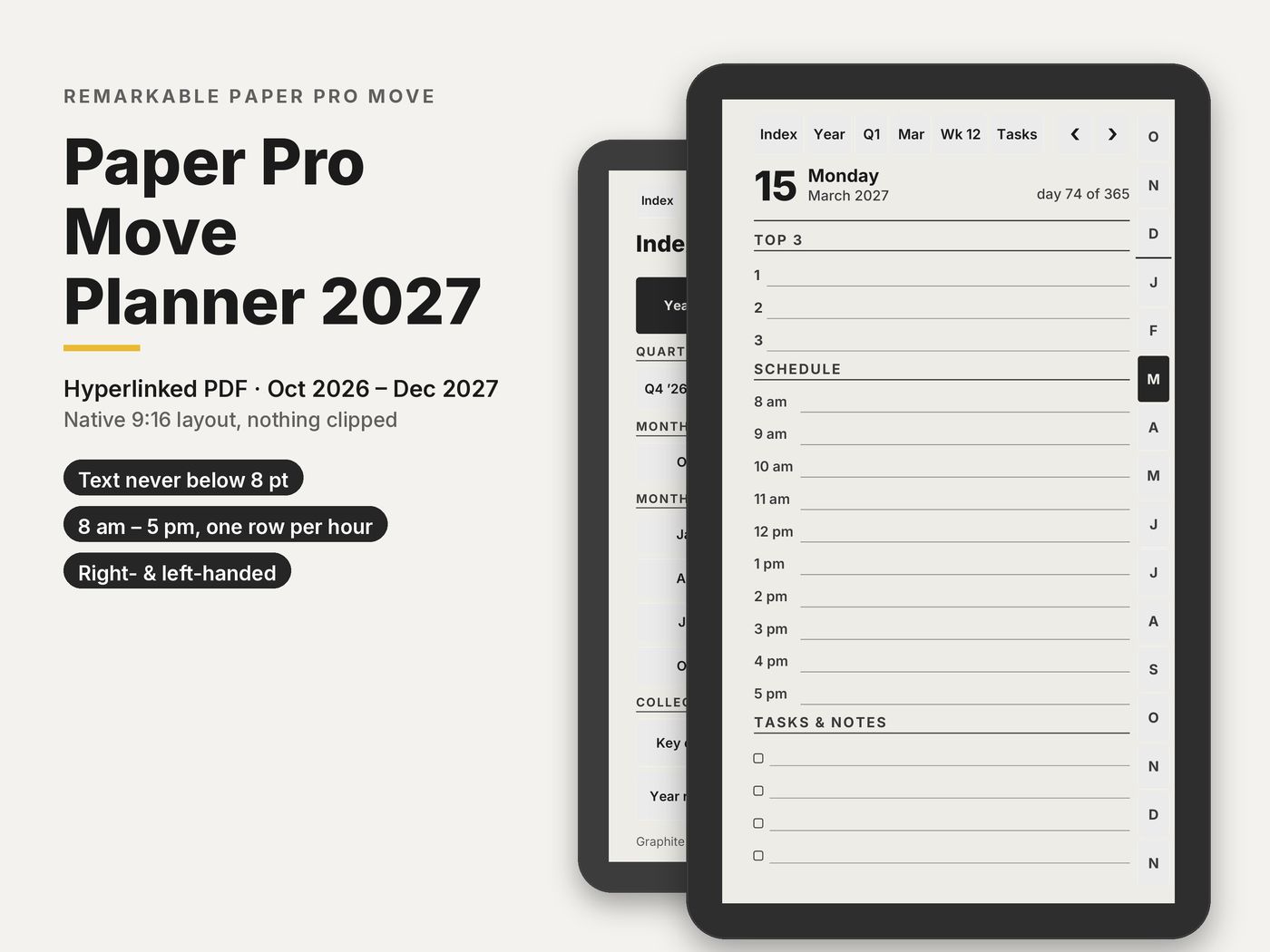
Pages drawn for the 7.3 inch 9:16 screen of the Paper Pro Move, not a 3:4 page shrunk to fit. No text smaller than 8 pt, nothing lighter than a dark grey.
Buy now · $10.90Try a tiny sample
Charged in USD at checkout.Charged in USD at checkout ($10.90); your bank converts at its rate.
Paper Pro Move Planner 2027 · $10.90 · 6 PDFs: 3 editions × 2 hands, plus the Move Classic layout
Products
Made for your Paper Pro Move
Every product below includes a layout drawn for this tablet.
1 January to 31 December 2027
Graphite Planner 2027, January edition
The planner from 1 January 2027.
$18.90
The planner
Paper Pro Move Planner 2027, in detail
In detail
Paper Pro Move Planner 2027
Drawn for the 7.3 inch 9:16 screen, with no text below 8 pt. Plus the Move Classic layout.
- Paper Pro Move
$10.90
Charged in USD at checkout.Charged in USD at checkout ($10.90); your bank converts at its rate.
- 6 PDFs: 3 editions × 2 hands, plus the Move Classic layout
- 643 pages per file
- 97,018 links checked before release
- A START-HERE guide written only for the Move
Instant download · Personal-use licence · Also works in GoodNotes and Notability on iPad
Built for what e-ink planners usually get wrong
- Links that work. All 97,018 links in the 6 main files are opened by three PDF readers and checked by script before release.
- Drawn for the 9:16 screen, not a 3:4 page shrunk or letterboxed.
- Nothing tappable on the toolbar side. Right- and left-handed versions swap sides to match your hand setting.
- Readable on 7.3 inches. No text smaller than 8 pt or lighter than a dark grey.
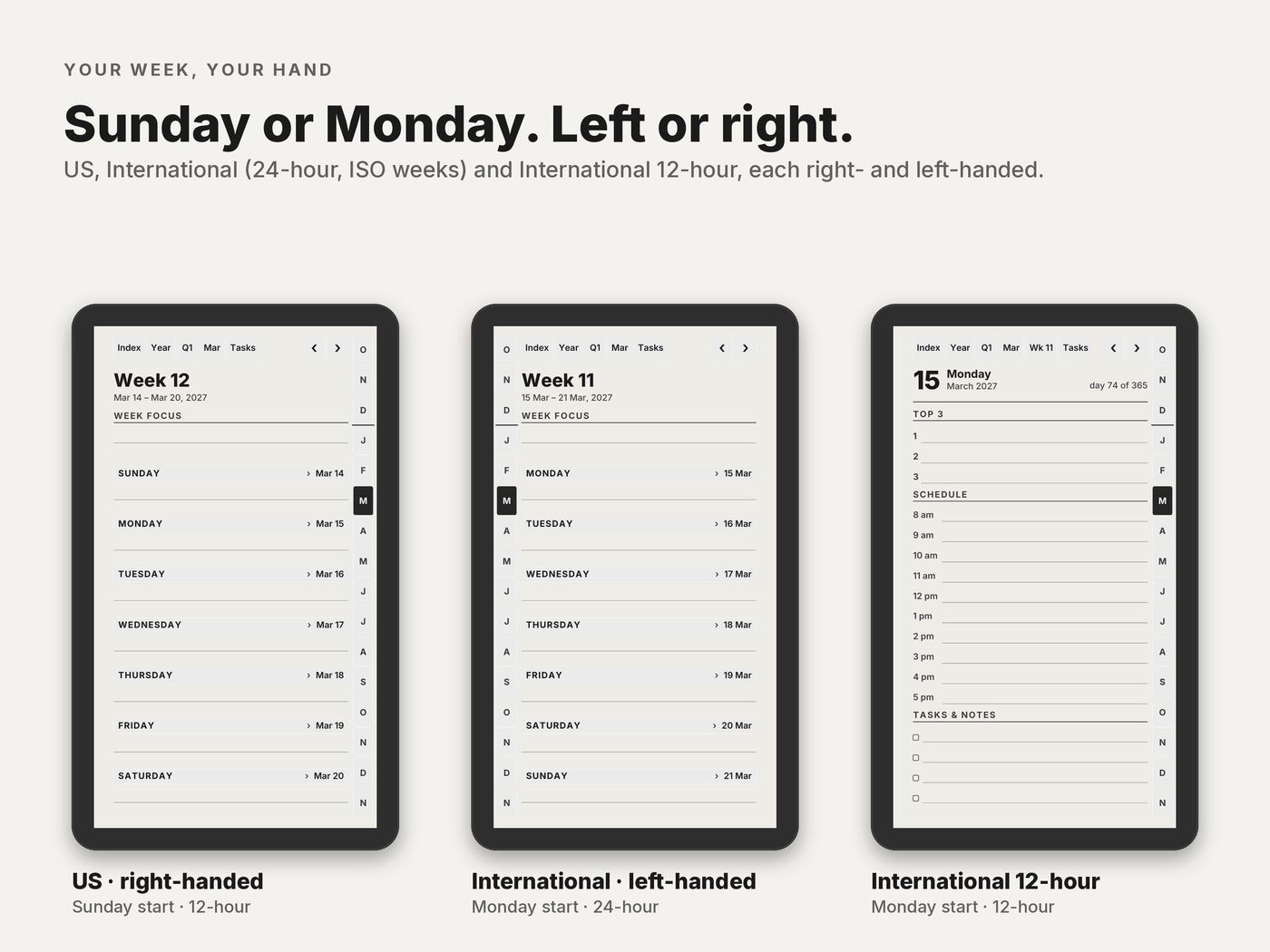
- 12-hour and 24-hour editions, with Sunday or Monday start.
- Instant download. Pay here and download straight away; the link also comes in your email receipt.
Which file for your Paper Pro Move
| In the download | What it is |
|---|---|
| 6 Move 9:16 files | US, International and International 12-hour, each right- and left-handed |
| Move Classic, version 1.1 | The denser original Move pages, for anyone who prefers them |
What's inside each file
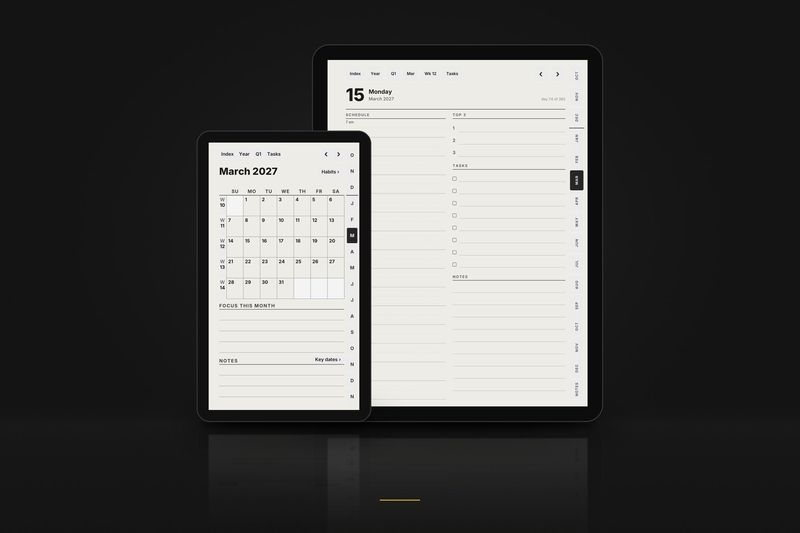
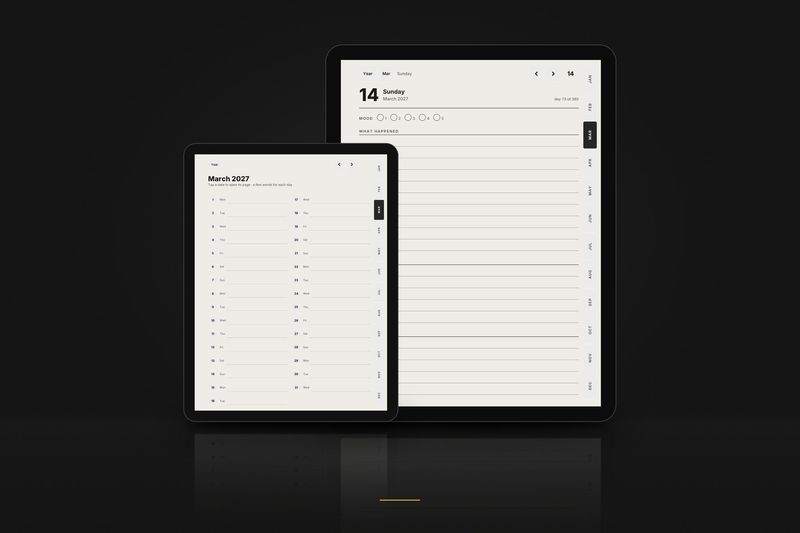
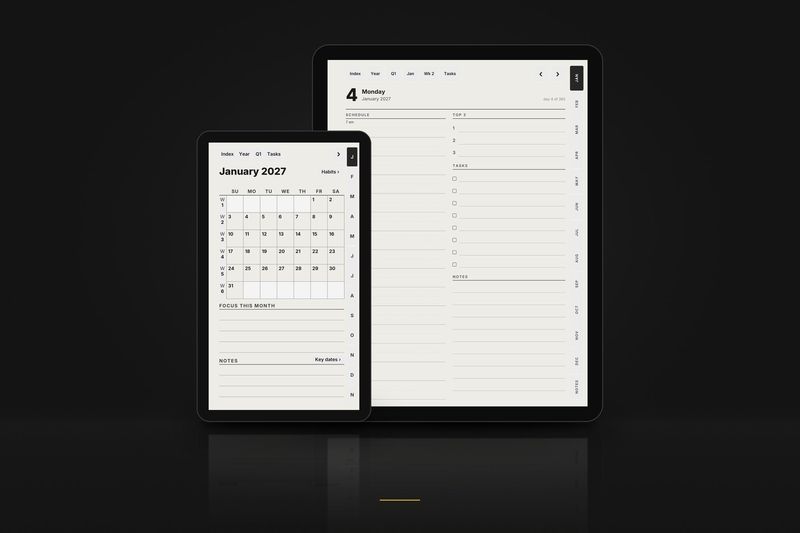
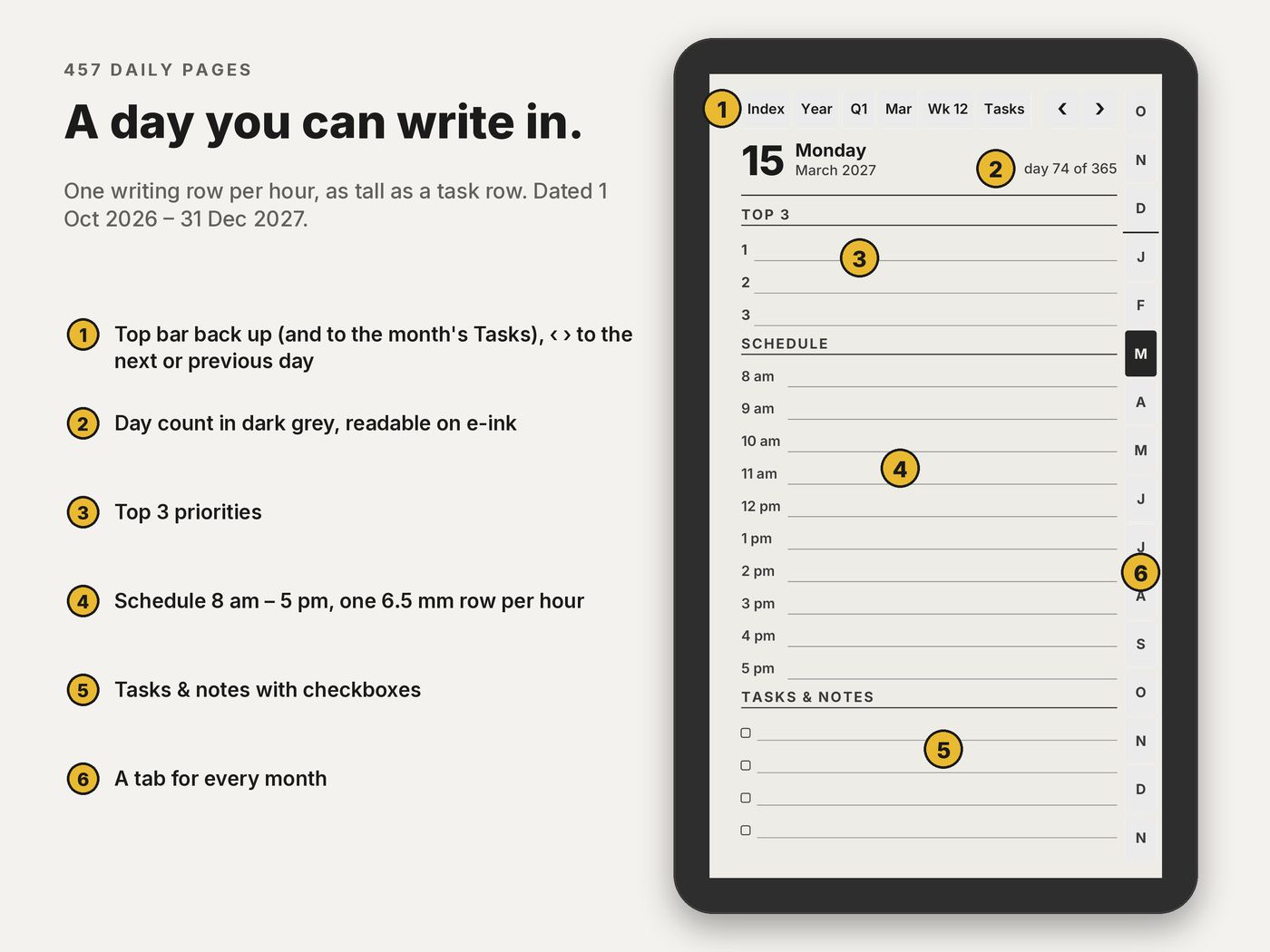
- 457 daily pages 1 October 2026 to 31 December 2027: hourly schedule, top 3, tasks and notes.
- 66 weekly pages with a focus list.
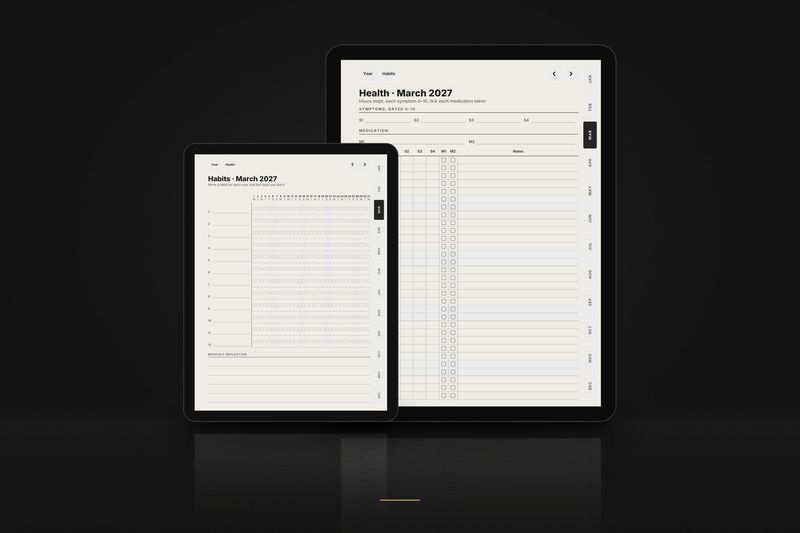
- 15 monthly calendars and 15 monthly habit trackers.
- 15 monthly task pages one tap from the top bar of any day, week or month page.
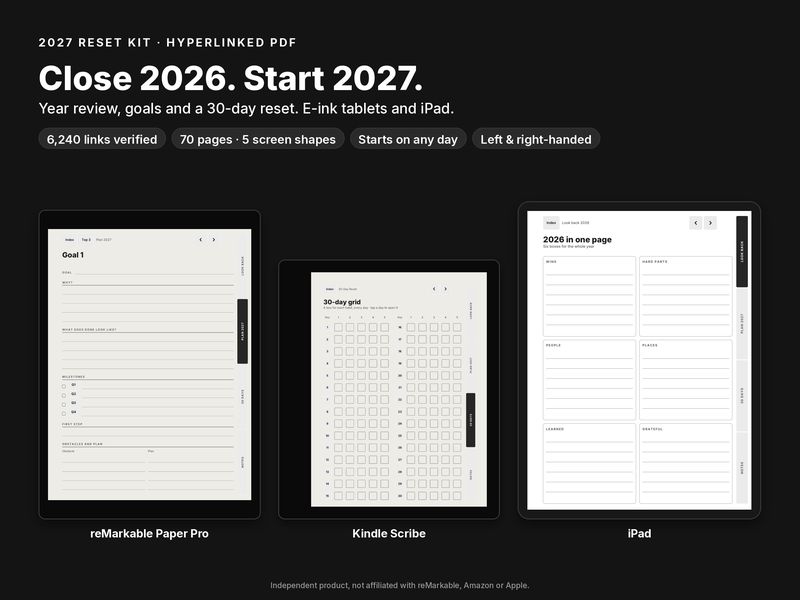
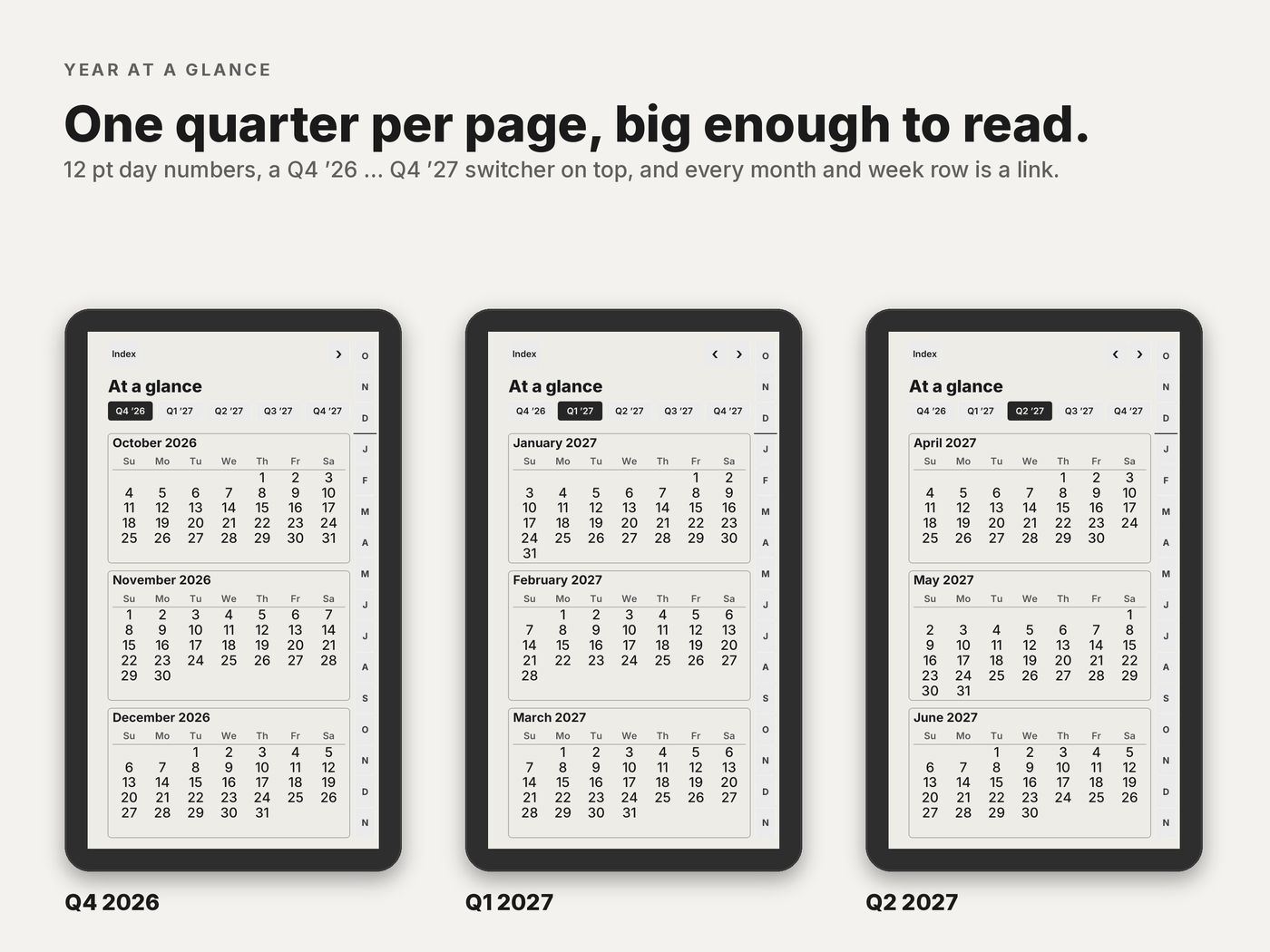
- Year and goals year at a glance, goals for 2027, key dates on 2 pages and 2027 in review.
- 5 quarter plans Q4 2026 to Q4 2027, with goals and reviews.
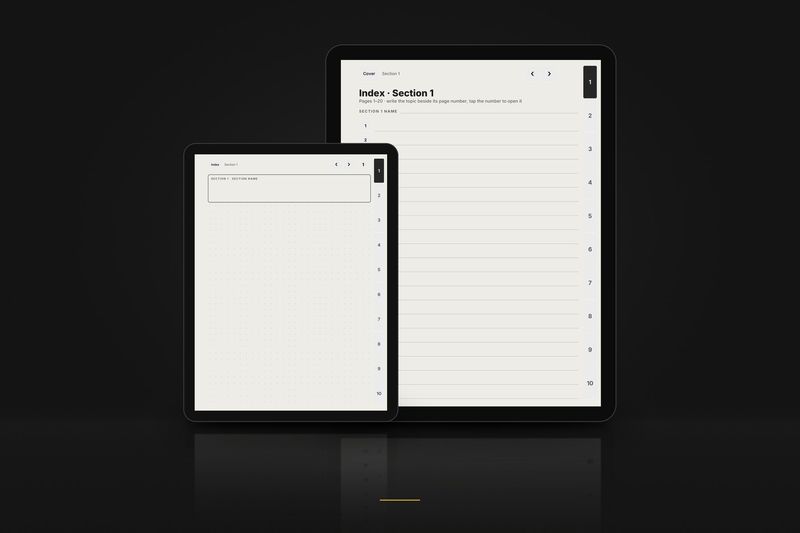
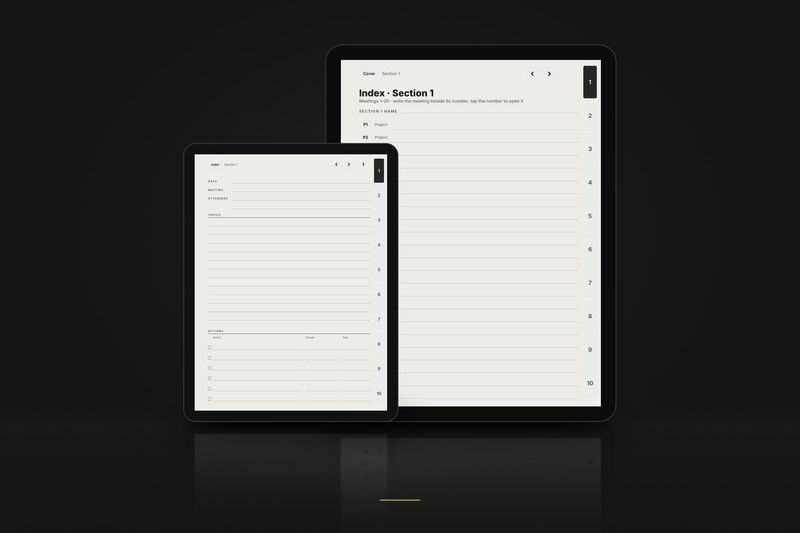
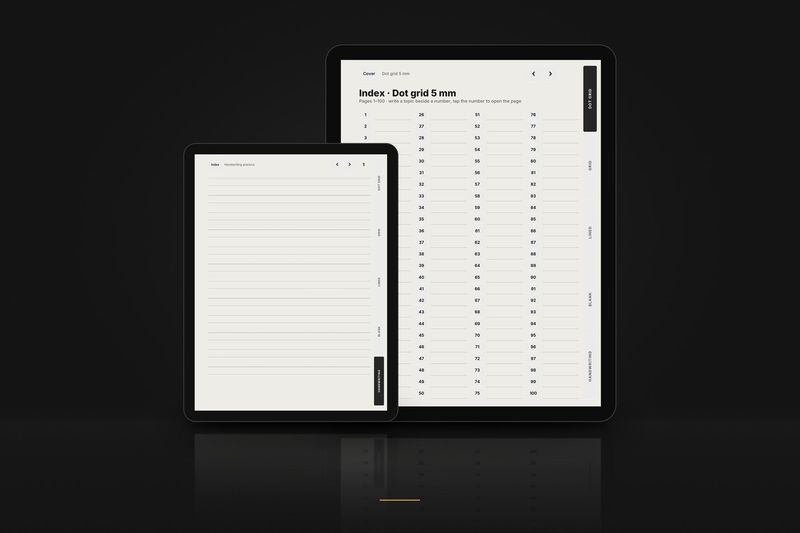
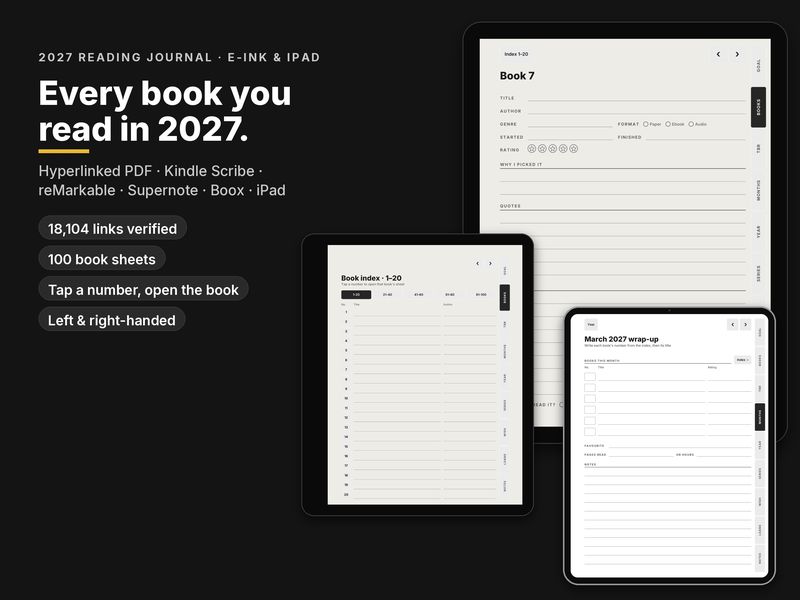
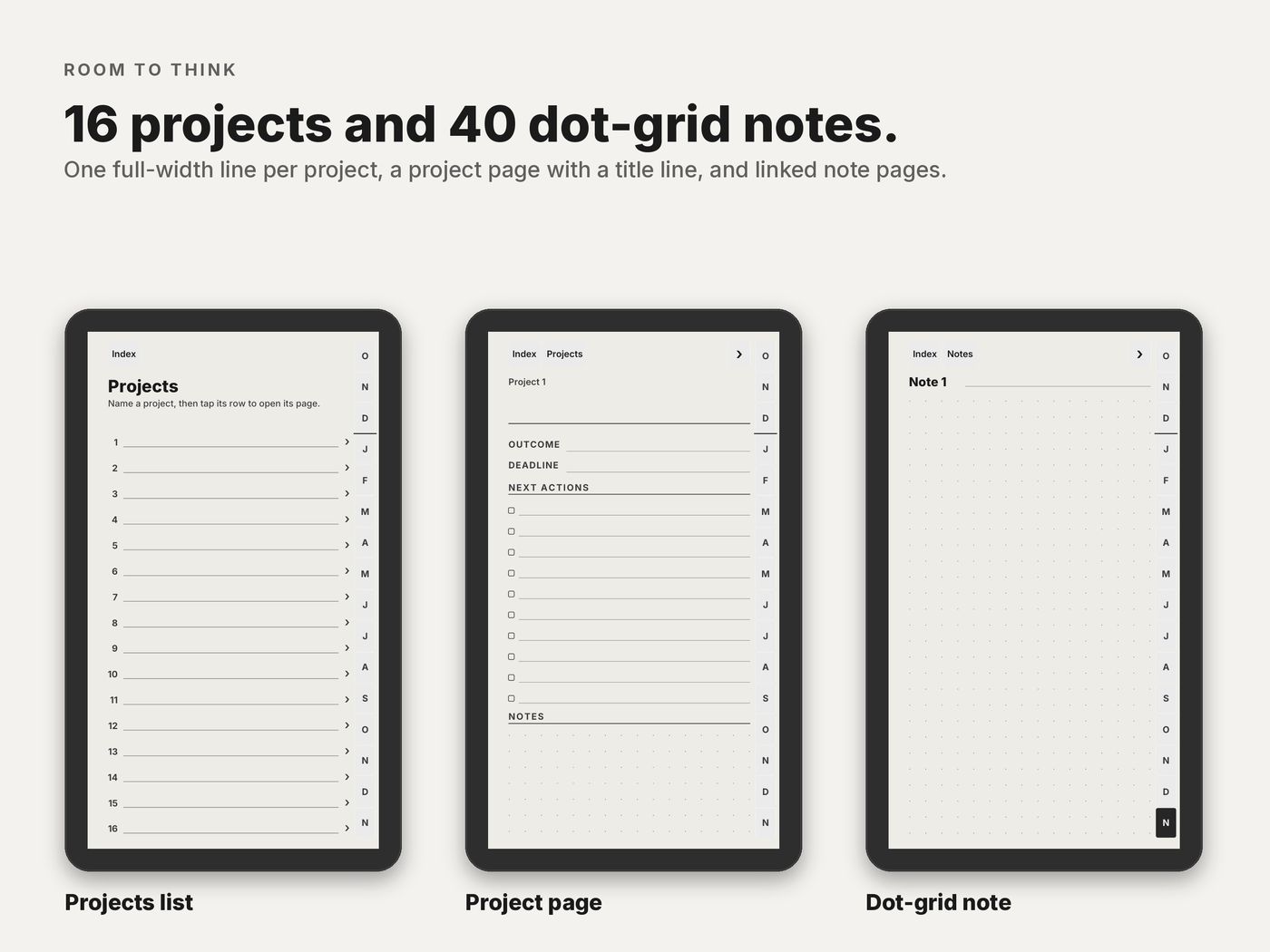
- 16 project pages and 40 dot-grid note pages each set with a linked index.
Editions and hands
Each layout comes in three calendar editions, each right- and left-handed. Pick the one that matches how you plan.
| In the file name | Means |
|---|---|
_us_ | Weeks start on Sunday · 12-hour schedule, 9 am · dates like March 15, 2027 · US week numbers |
_intl_ | Weeks start on Monday · 24-hour schedule, 09:00 · dates like 15 March 2027 · ISO week numbers |
_intl12_ | Weeks start on Monday · 12-hour schedule, 9 am · dates like 15 March 2027 · ISO week numbers |
_right | Right-handed: tabs on the right edge, nothing to tap on the left side |
_left | Left-handed: everything mirrored, tabs on the left edge |
These editions are for the planner. Notebook files are named by paper and hand instead, for example dot_right or meeting_left.
Setup
Ready in three steps
The short version. The full reMarkable guide covers every option and problem.
- 1
Download
Buy and download the files, then unzip them. The Move 9:16 PDFs come in three calendar editions, each right- and left-handed.
- 2
Copy
Drag the PDF into the reMarkable desktop or mobile app and it syncs to the Move.
- 3
Write and tap
Open it from My files. Write with the Marker and tap links with a finger.
Free samples
Try it on your Paper Pro Move first
3 linked pages of each product in the layout for this tablet. No email, no account.
Questions
Paper Pro Move FAQ
- The text looks small.
- Use the main 9:16 files, not the Move Classic ones. The main Move layout has no text below 8 pt.
- Why a separate edition for the Move?
- A 3:4 page on the 9:16 screen is shrunk or letterboxed. These pages are drawn for the screen itself.
- A link does nothing, or the Marker draws on the button.
- Tap with a finger: the Marker writes and the finger navigates.
- The tabs are under my hand.
- Use the _left version: tabs on the left, toolbar side on the right.
Read more
Guides and articles
Article
reMarkable Paper Pro Move templates and planner (9:16)
Why the 7.3 inch 9:16 screen needs its own layout, the template menu, importing a PDF, and what keeps small pages readable.
Read the article
Article
A reMarkable planner that starts on 1 January 2027: Paper Pro, Paper Pure, reMarkable 2 and Move
The January edition on every reMarkable: what changes from the October start, which file to pick and how to import it so the links work.
Read the article
Article
Left-handed planner for e-ink tablets: why tab placement matters
Why the tabs and the toolbar side matter for left-handed writers, what a mirrored file changes, and a quick test on any sample.
Read the article
More help: all articles · setup guides.