
All brands
PocketBook e-ink tablets: which Graphite edition fits
PocketBook's e-notes (InkPad Eo, Eo 2, Color Note on Android with Google Play; InkPad One on Linux) let you write on PDFs with a stylus, while its classic InkPad e-readers have no pen.
6 models listed, 5 with a pen.
Current
| Model | Year | Screen | Edition | Compatibility | |
|---|---|---|---|---|---|
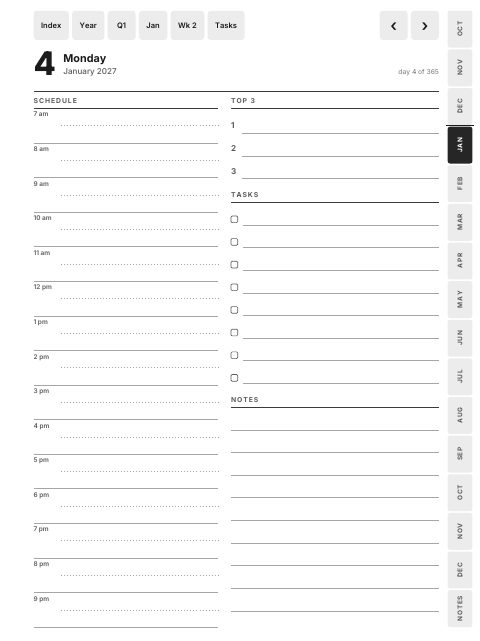 | InkPad Eo 2 | 2026 | 10.3" · 1860×2480 · 3:4 | Large 3:4 | Should work, not confirmed |
| InkPad One | 2026 | 10.3" · 1404×1872 · 3:4 | Large 3:4 | Should work, not confirmed |
| InkPad Eo | 2024 | 10.3" · 1860×2480 · 3:4 | Large 3:4 | Should work, not confirmed |
| Color Note | 2024 | 10.3" · 1404×1872 · 3:4 | Large 3:4 | Should work, not confirmed |
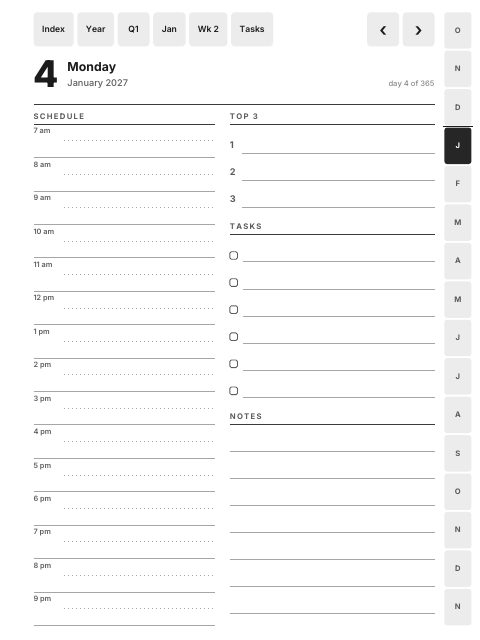 | InkPad 4 | 2023 | 7.8" · 1404×1872 · 3:4 | — | No pen: not supported |
Discontinued
| Model | Year | Screen | Edition | Compatibility | |
|---|---|---|---|---|---|
| InkPad X Pro | — | 10.3" · 1404×1872 · 3:4 | Large 3:4 | Should work, not confirmed |
Every row links to the model's page, with the files that fit it, how to import them and a free sample. Models without a pen can open the files but not write on them.
Compatibility
What the labels mean
- Confirmed by owners An owner of this model used Graphite files on it and reported back.
- Documented by the maker The maker documents pen writing on PDFs, and following internal PDF links is documented by the maker or by established reviewers or planner sellers for this model or its software.
- Should work, not confirmed Pen, a PDF reader (or Google Play for Xodo) and a fitting screen, but link-following is not documented for this exact model.
- No pen: not supported No pen support, so the files can be read but not written on.
Help with any tablet: